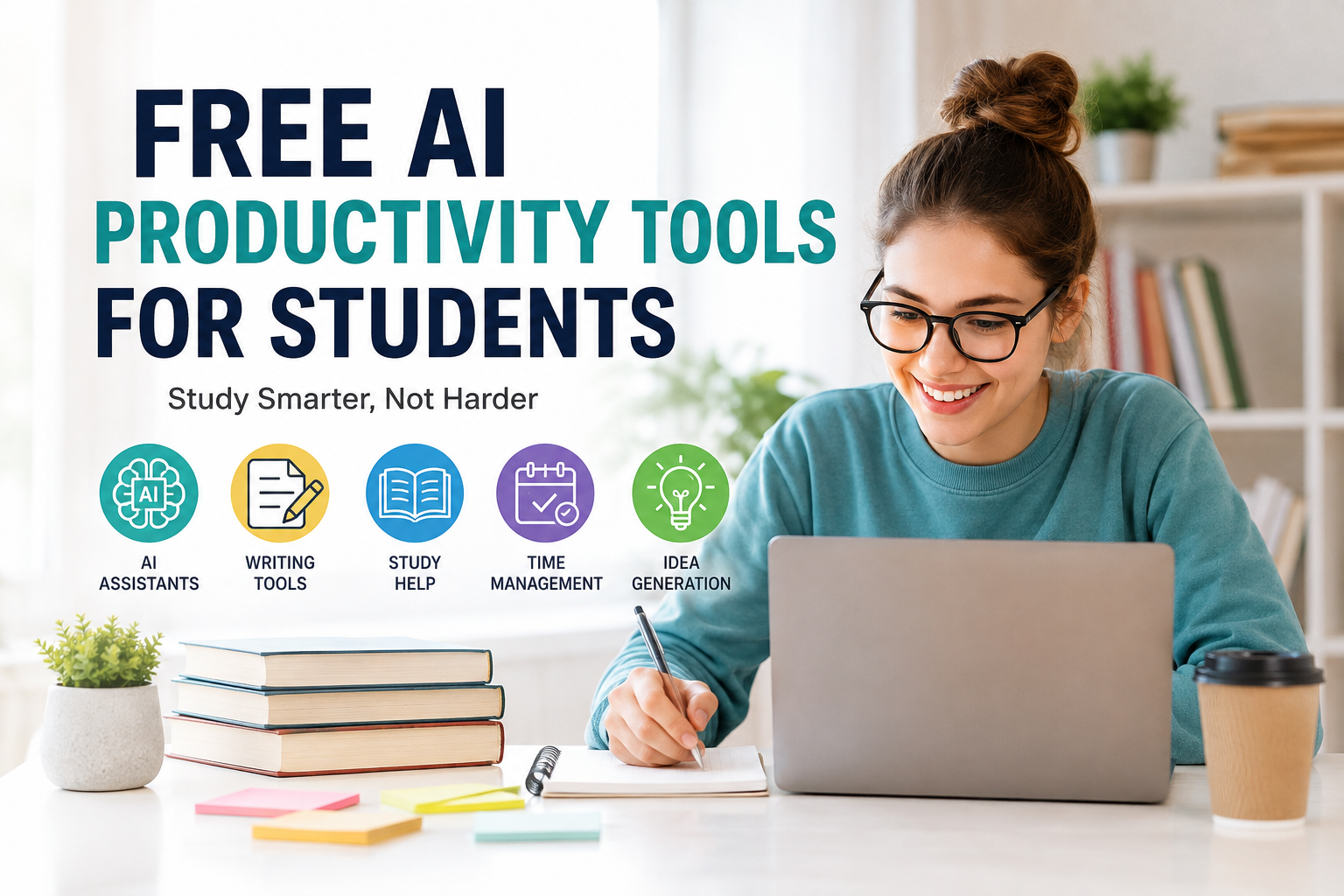
As a student, I know how difficult it can be to manage everything at the same time. There are classes to attend, assignments to complete, notes to prepare, exams to study for, projects to finish, and sometimes even a part time job or other responsibilities. I have often felt that there are simply not enough hours in the day to get everything done.
This is where artificial intelligence can become genuinely useful. AI is no longer something that only large companies or technology experts use. There are many free AI productivity tools available that students can use for studying, organizing their work, writing, researching, and managing their time.
In my experience, the best thing about these tools is not that they do everything for me. Instead, they help me save time and understand difficult topics more easily. I still have to think, learn, and do my own work, but AI can make the process much more manageable.
Why Students Should Use AI Productivity Tools
Students have many different tasks competing for their attention. Sometimes I may spend an hour trying to understand a complicated topic when a simple explanation could help me understand it in a few minutes.
AI productivity tools can help with these situations. They can explain difficult concepts, organize information, create study plans, improve writing, summarize long material, and help with brainstorming.
Another advantage is convenience. Most students already use a laptop or smartphone for their studies, so having an AI tool available makes it easier to get help whenever it is needed.
However, I believe students should use AI as an assistant rather than a replacement for learning. Copying an AI generated answer without understanding it may save time today, but it does not help in the long run. The real benefit comes when I use AI to improve my own understanding and productivity.
1. ChatGPT
One of the most useful free AI tools for students is ChatGPT. I can use it for many different study related tasks, which makes it a flexible productivity assistant.
For example, if I do not understand a mathematics concept, I can ask for a simple explanation. If I am studying history, I can ask for important events to be organized in chronological order. If I am preparing for an exam, I can ask it to create practice questions based on a topic.
I can also use ChatGPT for brainstorming ideas for essays, projects, presentations, and research topics. Another useful feature is its ability to explain the same concept in different ways. If the first explanation is confusing, I can ask for a simpler version.
The important thing is to check information and use the tool responsibly, especially for academic work.
2. Google Gemini
Google Gemini can also be useful for students who want help with studying and research. I find AI assistants particularly helpful when I need to explore a topic before starting an assignment.
For example, I can ask questions about a subject and use the responses to identify important areas that I should research further. It can also help me generate ideas, explain concepts, and organize information.
One thing I like about using an AI assistant during study sessions is that I can ask follow up questions. Instead of searching through many different pages for every small question, I can continue the conversation and focus on understanding the topic.
Still, I would always verify important facts using reliable educational or official sources.
3. Microsoft Copilot
Microsoft Copilot can be another useful option for students, especially those who already use Microsoft products.
Students often work with documents, presentations, and spreadsheets. AI assistance can make some of these tasks easier by helping with ideas, summaries, explanations, and basic content organization.
For example, when I have a long topic to study, I can use AI assistance to help identify the main points. I can then turn those points into my own study notes.
For presentations, AI can also help me brainstorm possible sections and ideas. This can be useful when I know the topic but do not know how to structure the presentation.
4. Grammarly
Writing is an important part of student life. Essays, reports, emails, applications, and assignments all require clear communication.
Grammarly can help students improve their writing by identifying grammar, spelling, punctuation, and clarity issues. I find this especially useful when I have finished writing something and want to check it before submitting it.
I do not think students should depend completely on writing tools. Instead, I use them as a second pair of eyes. They can point out mistakes that I might miss when I read my own work.
Over time, seeing repeated corrections can also help me recognize my common writing mistakes and improve naturally.
5. Canva
Canva is a useful tool for students who need to create presentations, posters, social media graphics, or other visual projects.
Its AI powered features can make the design process easier, especially for students who are not experienced with graphic design.
For example, I can start with a basic idea and use templates and AI assistance to create a professional looking presentation. I can then customize the design according to my project.
This saves time because I do not have to create every design element from scratch. It also helps make school and university presentations more visually interesting.
6. QuillBot
QuillBot can be useful when I want to improve the wording of something I have already written. It offers paraphrasing and other writing assistance features.
For students, this can be helpful when a sentence sounds awkward or repetitive. I can use the tool to explore alternative ways of expressing an idea and then choose wording that fits my own writing style.
However, I would never use paraphrasing tools to disguise copied material. Proper citations and original thinking are still important.
7. Notion AI
Notion is popular among students for organizing notes, tasks, projects, and schedules. Its AI features can make that organization even easier.
I can create separate pages for different subjects and keep my study materials in one place. AI can help summarize notes, generate ideas, or organize information.
This is particularly useful when I have several courses at the same time. Instead of keeping random notes in different apps, I can create a simple system where everything has a specific place.
Good organization can make studying feel much less stressful.
8. Perplexity
When I am researching a topic, Perplexity can be useful because it is designed around answering questions and providing sources.
Instead of only asking a question and accepting the first answer I receive, I can use the tool to discover information and then visit the sources myself.
This is important because AI systems can sometimes make mistakes. For academic research, I believe students should always look at the original source before using important information in an assignment.
The tool can be especially helpful during the early stages of research when I am trying to understand a subject and discover useful sources.
9. Google NotebookLM
NotebookLM is another interesting option for students who work with study materials. It can help students interact with documents and information they provide.
For example, if I have notes or study material, an AI tool designed around those sources can help me understand and review the content.
I find this approach useful because sometimes I do not need general information from the internet. I simply need help understanding the material already provided by my teacher or university.
This can make revision more focused.
10. AI Flashcard and Quiz Tools
One of my favorite ways to use AI for studying is creating practice questions and flashcards.
Instead of simply reading notes again and again, I can ask an AI tool to turn important information into questions. Then I can test myself.
This approach makes studying more active. When I try to remember an answer before looking at it, I can quickly discover which topics I understand and which ones need more attention.
Students can use this technique for vocabulary, definitions, formulas, historical events, scientific concepts, and many other subjects.
How I Would Use AI Without Becoming Dependent on It
Although AI tools are helpful, I think students should create some boundaries. If I use AI for every small task, I may become dependent on it and stop developing my own skills.
I would first try to solve a problem myself. If I get stuck, I would use AI for guidance. After receiving an explanation, I would make sure I understand the answer rather than simply copying it.
For writing assignments, I would use AI to check grammar, brainstorm ideas, or improve clarity rather than asking it to write everything for me.
For research, I would verify important information through trustworthy sources.
This approach allows AI to support learning without replacing it.
Final Thoughts
Free AI productivity tools can make student life easier when they are used properly. From AI assistants and writing tools to research platforms, design applications, note taking systems, and study tools, there are many options available.
Personally, I see AI as a productivity partner. It can help me save time, organize my thoughts, understand difficult subjects, and prepare more effectively. But the final responsibility for learning still belongs to me.
The most productive student is not necessarily the person who uses the most AI tools. I believe it is the student who knows when to use them and when to put them aside and think independently.
If I use AI to learn rather than simply to finish my work, I can get the best of both worlds. I can become more productive while still developing the knowledge, creativity, writing ability, and problem solving skills that I will need in the future.