I write emails almost every day, and I know how difficult it can sometimes be to find the right words. Writing a simple email can take much longer than expected, especially when I need to sound professional, polite, clear, and confident at the same time. This is one of the reasons I started paying more attention to AI tools for email writing.
AI email writing tools have become very useful for students, freelancers, employees, business owners, marketers, and almost anyone who communicates through email. These tools can help create emails, improve existing messages, fix grammar mistakes, change the tone, and make writing faster.
In my opinion, AI should not completely replace our own writing. Instead, I see it as an assistant that helps me communicate my ideas more effectively. When I use it correctly, I can save time while still keeping my personal voice in the email.
What Are AI Tools for Email Writing?
AI tools for email writing are software applications that use artificial intelligence to help people create and improve emails. Instead of starting with a completely blank page, I can give the tool a short explanation of what I want to say.
For example, I might write something like, “I need to tell my client that the project will be completed two days late because I need more time for testing.”
The AI can turn that simple idea into a complete and professional email. It can also provide different versions depending on the situation.
This is especially helpful when I know what I want to say but I am not sure how to say it properly.
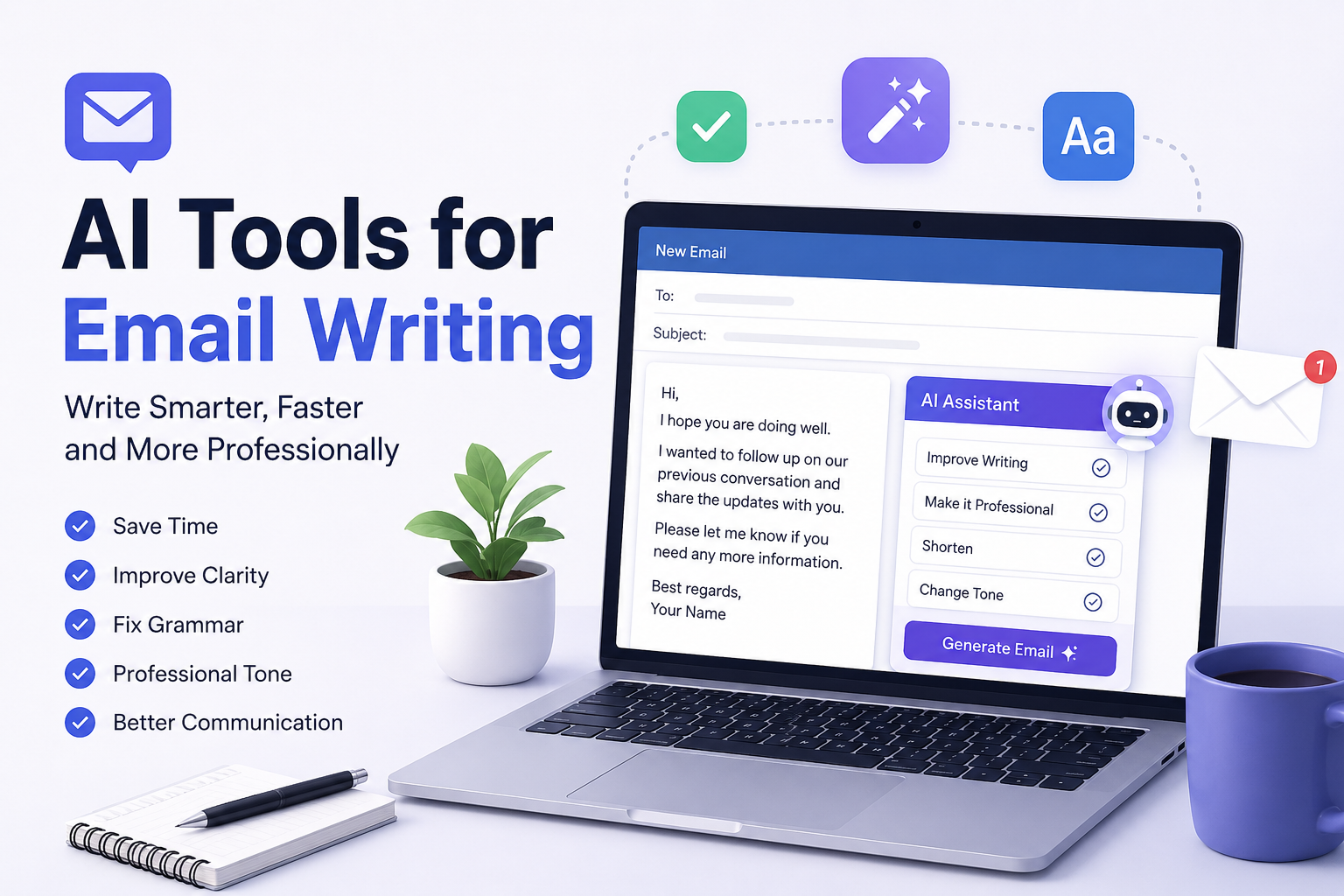
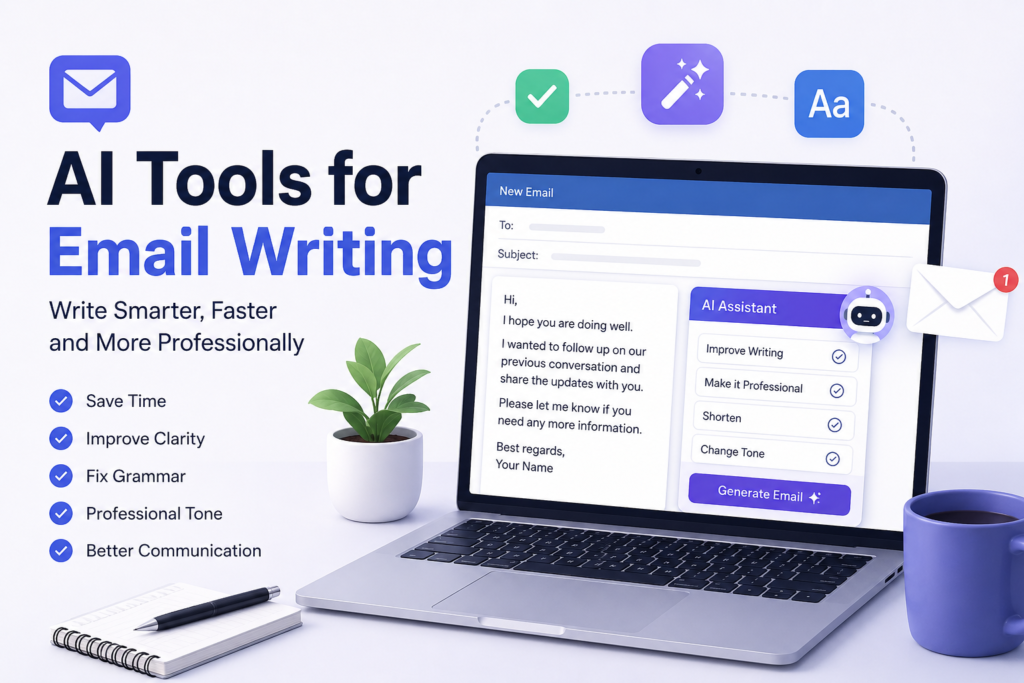
Some AI tools can also analyze an email that I have already written. They can suggest better wording, correct grammar, remove unnecessary sentences, and make the message sound more professional.
Why I Think AI Email Writing Tools Are Useful
The biggest advantage for me is time. Sometimes I spend several minutes thinking about how to start an email. With an AI writing tool, I can explain the main idea and get a useful draft in seconds.
Another benefit is that AI can help when I am worried about my writing. English is not always easy for everyone, especially when writing professional emails. A small grammar mistake can make an email look less professional.
AI tools can help identify these mistakes before I send the message.
I also like the fact that many AI tools can change the tone of an email. Sometimes I need to sound formal. At other times, I want to sound friendly and relaxed. The same information can be written in completely different ways.
For example, an email to a manager may need a professional tone, while an email to a regular client may be polite but more conversational.
AI Tools Can Help With Email Ideas
One problem I often face is not knowing how to begin. I may understand the situation clearly in my mind, but I cannot immediately turn those thoughts into an organized email.
This is where AI can be helpful.
I can provide a few basic points and ask the AI to organize them into an email. It can create an introduction, explain the main point, and add a suitable closing.
I do not have to use the entire AI generated email. I can simply use it as a starting point and then change it according to my own style.
For me, this is one of the best ways to use AI. Instead of allowing AI to do everything, I use it to overcome writer’s block.
AI Can Improve Professional Emails
Professional communication requires careful wording. A sentence that sounds normal in a casual conversation may not sound appropriate in a business email.
AI tools can help make emails more professional without making them unnecessarily complicated.
For example, if I write a quick message that says, “Send me the file as soon as possible,” an AI tool might suggest a more polite version such as, “Could you please send the file when you have a chance?”
The second version sounds more respectful while still communicating the same request.
I believe this is particularly useful for freelancers and people who communicate with international clients. A professional email can create a better impression and make communication easier.
AI Tools Can Fix Grammar and Spelling
Grammar mistakes are another reason I find AI writing tools useful.
Even when I know English well, it is easy to make small mistakes while writing quickly. Sometimes I accidentally use the wrong tense, forget punctuation, or write a sentence that is difficult to understand.
AI tools can review an email and point out these problems.
The useful thing is that I can also learn from the suggestions. When I repeatedly see the same type of correction, I start understanding my own common writing mistakes.
So, I do not see grammar tools only as correction software. They can also become a learning resource.
AI Can Change the Tone of an Email
Tone is extremely important in email communication.
Imagine that I need to complain about a problem with a service. If I write the email while I am angry, my message might sound aggressive. The receiver may focus more on my attitude than the actual problem.
An AI tool can help me rewrite the message in a calm and professional way.
I can ask for a polite tone, friendly tone, professional tone, confident tone, or even a short and direct version.
This does not mean I should hide the real problem. Instead, I can communicate the problem clearly without using unnecessarily emotional language.
AI Email Tools Can Save Time for Freelancers
Freelancers often send many emails every week. These can include proposals, client updates, payment reminders, project discussions, and follow up messages.
Writing every email from scratch can take a lot of time.
AI can make this process faster. I can create a basic template and then ask the AI to customize it for different clients.
For example, if I am offering a writing service, I can create one basic introduction and then adjust it depending on the client’s project.
This allows me to spend more time working on the actual project instead of spending too much time writing repetitive emails.
AI Can Help With Follow Up Emails
Follow up emails are another area where AI tools can be useful.
Sometimes I need to contact someone who has not responded to my previous email. I want to remind them, but I do not want to sound rude or impatient.
I can ask an AI tool to create a polite follow up message.
A good follow up email should be short and clear. It should remind the person about the previous conversation and explain what I need from them.
AI can help me create this type of message quickly.
AI Can Help With Email Subject Lines
A good subject line can make an email easier to understand. It can also help the receiver quickly recognize what the email is about.
Sometimes I write a long email and then struggle to create a suitable subject line.
AI tools can suggest several subject lines based on the content of the message.
For example, if the email is about a project update, the tool might suggest subject lines related to project progress, project status, or a project update.
I can then choose the one that feels most natural for my situation.
Popular Types of AI Email Writing Tools
There are different types of AI tools available for email writing.
Some tools focus mainly on grammar and spelling. Others specialize in generating complete emails. Some are built directly into email applications, while others work as separate writing assistants.
There are also AI tools designed specifically for sales emails and marketing communication.
The best choice depends on what I actually need.
If I mainly want grammar corrections, I do not necessarily need a tool that generates entire emails. If I write many sales emails, a tool designed for sales communication may be more useful.
I think it is better to choose a tool based on my daily needs instead of simply choosing the tool with the most features.
Things I Keep in Mind When Using AI
Although I find AI email writing tools helpful, I do not blindly copy everything they generate.
AI can sometimes make an email sound too formal or robotic. It may also add information that I did not provide.
That is why I always read the email before sending it.
I check whether the information is correct, whether the tone sounds like me, and whether the message actually communicates what I want to say.
Privacy is another important consideration. I would avoid entering sensitive personal, financial, business, or confidential information into an AI tool unless I understand how that tool handles data.
AI Should Assist, Not Replace Personal Communication
One thing I have learned from using AI writing tools is that good communication is not only about perfect grammar.
People also want to feel that there is a real person behind the email.
If every email sounds exactly the same, communication can become boring and artificial.
For that reason, I usually add my own words after getting an AI generated draft. I may change the introduction, add a personal sentence, or simplify certain parts.
This small effort makes the final email feel more natural.
Final Thoughts
AI tools for email writing can be extremely useful when they are used correctly. They can help me save time, improve grammar, organize ideas, create professional messages, and adjust the tone of my emails.
For freelancers, employees, students, business owners, and anyone who sends emails regularly, these tools can make everyday communication much easier.
At the same time, I believe we should not depend on AI for every sentence. The best approach, in my opinion, is to use AI as a writing assistant rather than a replacement for our own thoughts.
I still want my emails to sound like me. AI can help me find better words and organize my ideas, but the final message should reflect what I actually want to communicate.
When I combine my own ideas with the speed and editing ability of AI, email writing becomes much less stressful. I can write faster, communicate more clearly, and spend more time focusing on the work that really matters.