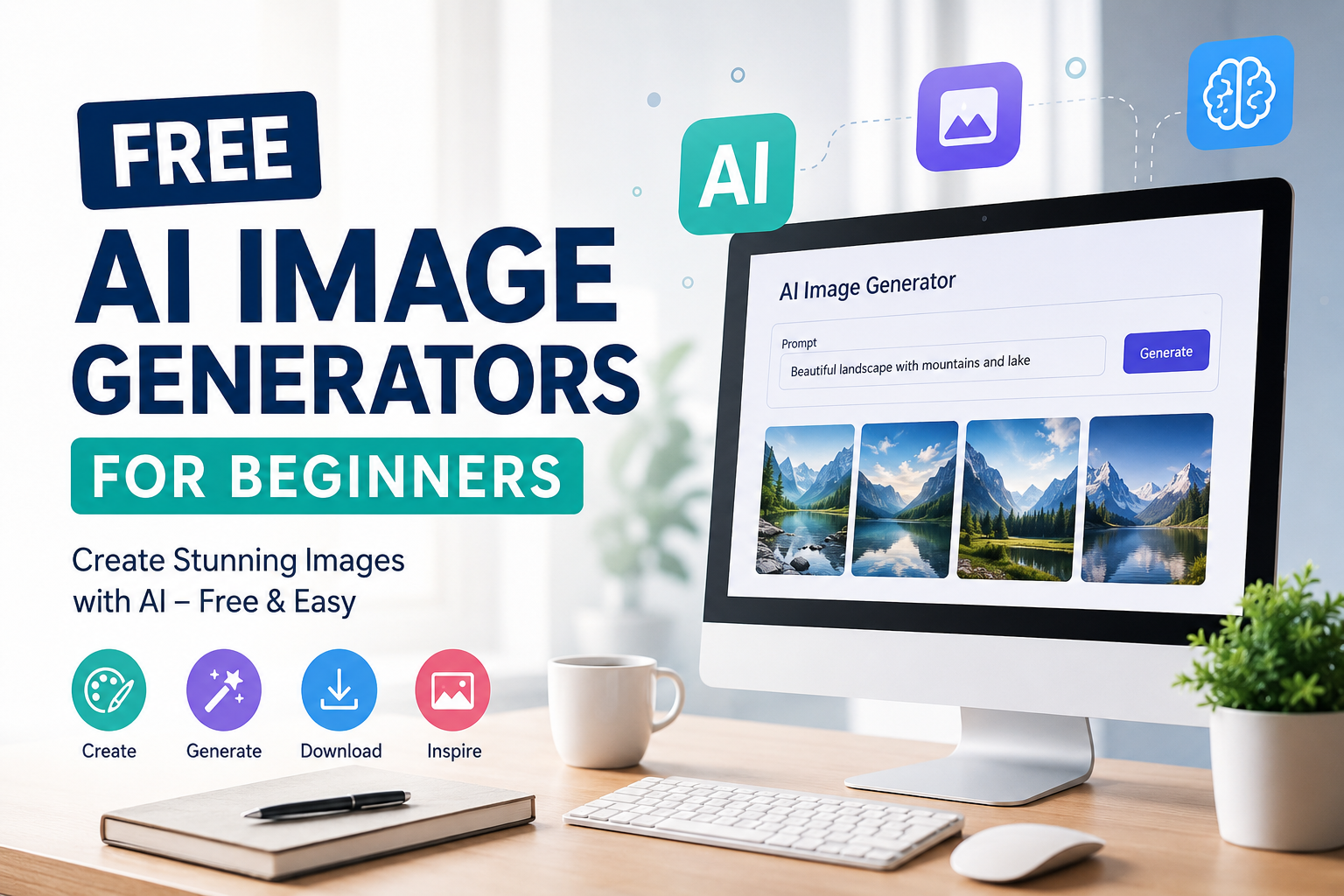
When I first started exploring artificial intelligence, one of the things that caught my attention was AI image generation. I found it interesting that I could describe an image in simple words and an AI tool could turn those words into something visual. A few years ago, creating a good looking image usually required design skills, expensive software, or hiring someone to do the work. Today, beginners can experiment with AI image generators for free.
In my opinion, free AI image generators are especially useful for people who are just starting out. You do not need to be a professional designer to create attractive images. You mainly need an idea, a little creativity, and a clear description of what you want.
In this article, I will explain what free AI image generators are, how they work, what beginners can use them for, and how to get better results from them.
What Is an AI Image Generator?
An AI image generator is a software tool that creates images based on written instructions. You type a description, often called a prompt, and the AI tries to create an image that matches your description.
For example, you might type something like “a peaceful mountain village during sunset with small wooden houses and warm lights.” The tool can then generate an image based on that description.
What I find most impressive is that you do not necessarily need to understand graphic design. You can start with ordinary language and improve your results as you learn how the tool understands prompts.
Some AI image generators can create realistic photographs, while others are better at illustrations, digital art, cartoons, posters, or creative artwork.
Why Beginners Should Try Free AI Image Generators
I think starting with a free tool is one of the best ways to learn AI image generation. You can experiment without immediately spending money.
Beginners can make mistakes, test different prompts, and understand what works. This learning process is important because creating a good AI image is not always as simple as writing one sentence.
Free tools can also be useful for students, bloggers, content creators, small business owners, social media users, and website owners.
For example, if I am writing an article and need a simple featured image, I can use an AI image generator to create a visual that matches the topic. This can save time and help make the article more interesting.
Popular Free AI Image Generators
There are many AI image generation tools available today, and their free plans can change over time. Some provide a limited number of generations, while others may offer credits or restricted features.
One popular option is Microsoft Designer, which includes AI powered image creation features. I find tools like this useful for beginners because the interface is relatively simple and users can experiment without needing advanced technical knowledge.
Another option is Canva, which has introduced AI features for creating visual content. Canva can be particularly useful for people who want to generate an image and then place it inside a social media post, presentation, blog graphic, or other design.
Adobe also provides AI image generation features through its creative tools. These can be useful for users who want to explore more professional design workflows.
There are also several independent AI image generators that offer free credits or limited free generations. Since pricing and free limits can change, I recommend checking the current terms of a tool before relying on it for regular work.
How AI Image Generators Work
The technology behind AI image generation is complicated, but the basic idea is easier to understand.
The AI model has been trained using large amounts of image and text information. During generation, it uses patterns learned from its training to create an image that matches the description provided by the user.
When I enter a prompt, the AI does not simply search the internet for an existing picture and paste it into the result. Instead, the model generates a new image based on the instructions and patterns it has learned.
This is why small changes to a prompt can sometimes produce very different results.
What Is a Prompt?
A prompt is simply the instruction you give to the AI.
For example, a basic prompt might be:
“A modern office with a laptop on a desk.”
This may produce an acceptable image, but I can make the instruction more specific.
“A bright modern home office with a wooden desk, silver laptop, indoor plants, large window, natural morning light, clean professional style.”
The second prompt gives the AI much more information.
When I create images, I usually think about the subject, environment, lighting, mood, colors, and style before writing my prompt.
How to Write Better Prompts
Beginners often make the mistake of writing prompts that are too vague. I did this myself when I first started experimenting with AI tools.
Instead of writing “a nice city,” I would recommend describing the scene more clearly.
You could write:
“A busy modern city street at night, tall buildings, glowing shop signs, people walking on the sidewalks, wet road reflecting city lights, cinematic photography style.”
This gives the AI several details to work with.
I usually include five basic things in a prompt.
First, describe the main subject.
Second, explain the location or background.
Third, mention the lighting.
Fourth, describe the visual style.
Fifth, add important details such as colors, mood, or composition.
You do not always need all of these elements, but they can help when you want more control.
Free AI Image Generators for Blogging
One area where I think AI image generators can be extremely useful is blogging.
A blog article with a relevant featured image can look more attractive than a plain page of text. Instead of searching endlessly for a suitable image, a blogger can create a custom visual based on the article topic.
For example, if I write about personal finance, I could create an image showing a person organizing a monthly budget at a desk with a laptop, calculator, notebook, and financial charts.
The important thing is that the image should support the article rather than simply exist for decoration.
For websites, I also recommend avoiding misleading images. The image should accurately represent the subject of the article.
Using AI Images for Social Media
Social media creators can also benefit from free AI image generators.
If I want to create a post about productivity, I could generate an image showing a clean workspace with a notebook, laptop, coffee cup, and calendar.
AI generated visuals can help creators develop original concepts quickly. They can also be useful when you have a specific idea that is difficult to find through normal image searches.
However, I would still check the usage rights of the particular AI platform before using generated images for commercial purposes.
Using AI Images for YouTube
YouTube creators can use AI generated images for thumbnails, backgrounds, illustrations, and video concepts.
For example, someone creating an educational video about space could generate an artistic image of planets and stars. A technology channel could create a futuristic computer illustration.
I think the biggest advantage is speed. Instead of spending hours trying to find the perfect stock image, creators can experiment with different ideas.
Still, a good thumbnail needs more than an attractive image. Clear text, strong composition, and relevance to the video are also important.
Common Mistakes Beginners Make
One common mistake is expecting the first result to be perfect.
AI image generation is often an experiment. Sometimes the first image is excellent. Other times, the result may look completely different from what I imagined.
Another mistake is using extremely complicated prompts. More words do not automatically mean better images.
I prefer starting with a clear idea and then adding details gradually.
Another problem can be unrealistic hands, faces, text, or small objects. AI image technology has improved significantly, but mistakes can still happen.
If something looks strange, I usually change the prompt or generate another version rather than trying to force the same result.
Is Free AI Image Generation Really Free?
This is something beginners should understand.
Many AI image generators offer free access, but free does not always mean unlimited. A platform may provide a certain number of credits each day or month. Some features may only be available with a paid subscription.
Before using an image commercially, I would also recommend reading the platform’s current terms and licensing information.
Rules can differ between services, especially when it comes to commercial use, ownership, and acceptable content.
Are AI Generated Images Good Enough?
In my opinion, they can be very good, especially for general creative work.
The quality depends on the tool, the prompt, and the type of image you are trying to create.
For simple blog graphics, illustrations, backgrounds, concepts, and social media visuals, free AI generators can be surprisingly useful.
For professional advertising campaigns, product photography, branding, or highly specific commercial work, I would not automatically depend on a free AI tool. Human designers and photographers can still provide important creative control and consistency.
My Tips for Beginners
If you are completely new to AI image generation, I recommend keeping things simple.
Start with one free tool instead of trying ten different platforms at the same time.
Create simple prompts and learn how the tool responds.
Save prompts that produce good results.
Experiment with different descriptions of lighting, camera angles, styles, and environments.
Do not become frustrated when an image does not look exactly right. Every failed generation can teach you something about prompting.
I also recommend looking at your generated images carefully before publishing them. Check faces, hands, text, objects, and other important details.
Final Thoughts
Free AI image generators have made visual creation much more accessible. In my opinion, they are one of the easiest ways for beginners to start experimenting with artificial intelligence.
You do not need expensive equipment or advanced design knowledge. You can start with a simple idea and gradually learn how to turn that idea into a better prompt.
For bloggers, students, creators, small businesses, and social media users, these tools can save time and provide new creative possibilities.
At the same time, I believe AI should be treated as a creative assistant rather than a complete replacement for human creativity. The best results usually come when you have your own idea and use AI to help bring that idea to life.
If you are just starting, my advice is simple: choose a free tool, write your first prompt, generate an image, study the result, and try again. The more you experiment, the better you will become at creating useful and interesting AI generated images.