Meetings are a normal part of working life. Whether I am working with a small team, talking to a client, planning a project, or attending an online discussion, meetings can take a lot of time. The problem is not always the meeting itself. The bigger problem for me is remembering everything that was discussed after the meeting ends.
There may be important ideas, decisions, tasks, deadlines, and questions mentioned during a single conversation. Trying to write everything down while also listening and participating can be difficult. This is where AI tools for meeting notes can be extremely useful.
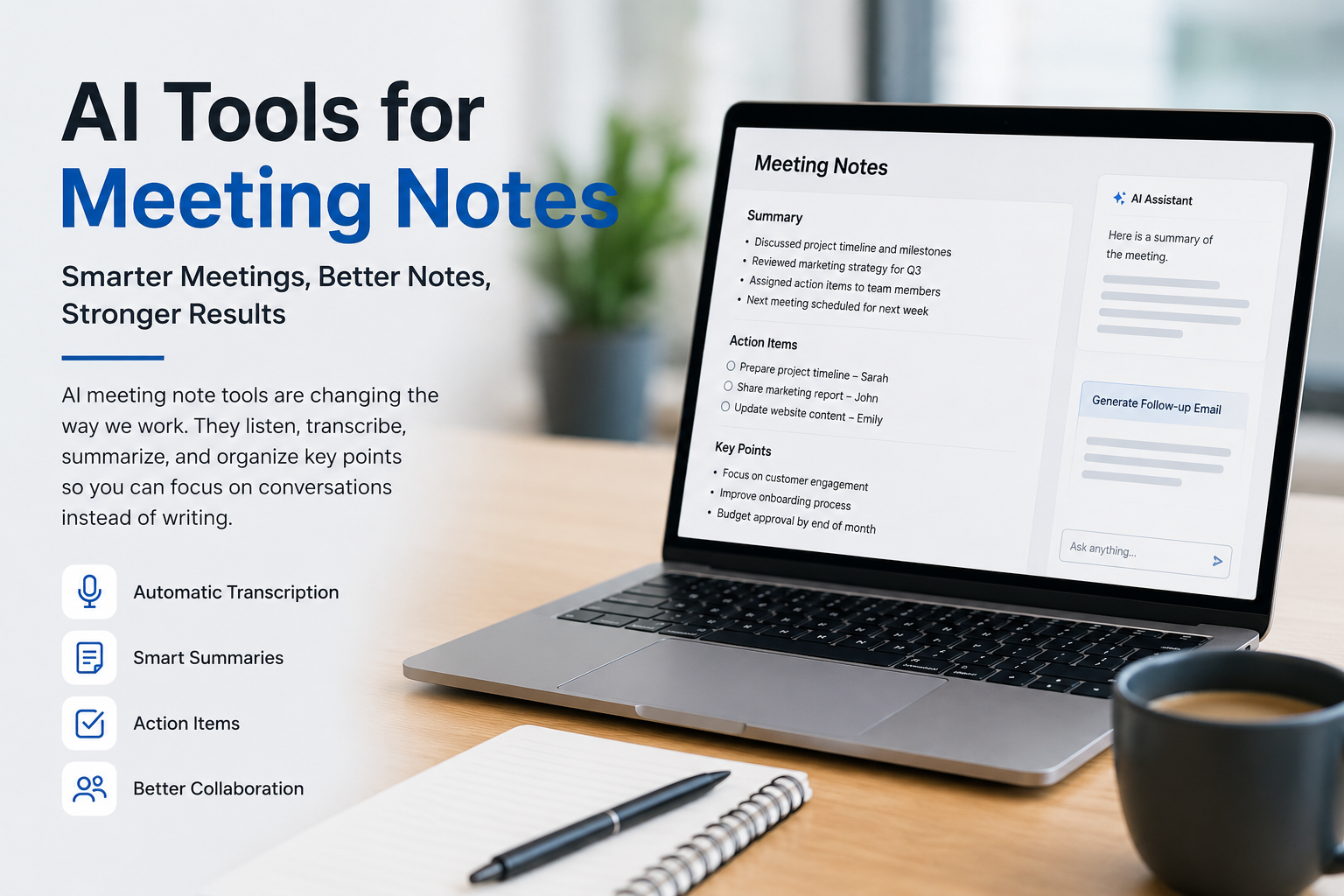
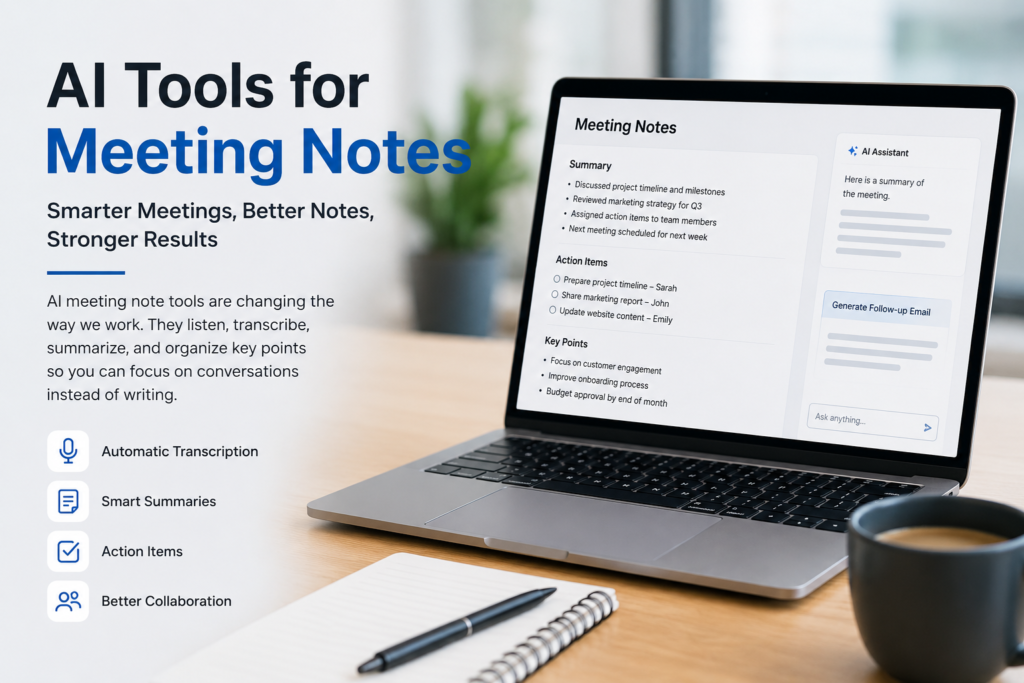
AI meeting note tools can listen to a conversation, create a transcript, identify important points, summarize the discussion, and sometimes even create a list of tasks. In my opinion, these tools are becoming useful for anyone who attends regular meetings.
What Are AI Tools for Meeting Notes?
AI tools for meeting notes are software applications that use artificial intelligence to understand conversations and turn them into useful written information.
Instead of manually writing notes during a meeting, I can use an AI tool to record and process the conversation. The tool can then create a transcript or summary that I can review later.
Some tools can recognize different speakers. Others can identify decisions, questions, action items, and important topics. Some can also connect meeting notes with project management or communication platforms.
The main idea is simple. I can focus more on the actual conversation instead of constantly looking at my notebook or keyboard.
Why I Think AI Meeting Notes Are Useful
The biggest advantage I see is that AI meeting tools reduce the pressure of taking notes manually.
When I am writing notes, I sometimes miss what another person is saying. If I focus too much on writing, I may not fully understand the discussion. On the other hand, if I focus completely on the conversation, I may forget important details later.
AI can help solve this problem.
I can participate in the meeting while the tool handles much of the note taking. Afterward, I can look at the summary and check the important information.
This does not mean I should completely depend on AI. I still believe that reviewing the notes myself is important. AI can make mistakes, especially when people speak quickly, use technical terms, or have poor audio quality.
Popular AI Tools for Meeting Notes
There are many AI tools available today, and each one has different features. Some are designed mainly for video meetings, while others work with different communication platforms.
Otter.ai
Otter.ai is one of the well known tools for AI powered meeting transcription and notes. It can transcribe conversations and create summaries that are easier to review.
What I like about this type of tool is that I do not have to manually write every sentence. I can search through the transcript later when I need to find a specific part of the discussion.
It can be particularly useful for interviews, team meetings, lectures, and online conversations.
Fireflies.ai
Fireflies.ai is another popular option for recording and analyzing meetings. It can create transcripts and summaries while helping users find important information from conversations.
For people who attend many meetings, searchable meeting history can be very helpful. Instead of trying to remember which meeting contained a particular decision, I can search through previous conversations.
This can save a considerable amount of time.
Fathom
Fathom is focused on AI meeting recording, transcription, and summaries. It is especially useful for people who have frequent online meetings.
One useful feature of AI meeting software is the ability to review the important parts without watching an entire recording. For me, this is one of the biggest reasons to use such a tool.
If a one hour meeting contains only ten minutes of information that I really need, a good AI summary can make the review process much faster.
Notion AI
Notion is widely used for notes, documents, and project organization. Its AI features can also help with summarizing and organizing meeting information.
I like the idea of keeping meeting notes close to project documents and task lists. Instead of having information spread across different applications, I can organize everything in one workspace.
This can make it easier to connect meeting discussions with actual work.
How AI Creates Better Meeting Summaries
A good meeting summary should not simply repeat everything people said. It should help me understand what actually happened.
AI tools can analyze a long conversation and identify the major topics. They may create sections for important points, decisions, questions, and tasks.
For example, imagine a team spends an hour discussing a new website project. The conversation may include many different ideas. An AI tool could turn that conversation into a shorter summary such as the main design decision, the agreed deadline, the person responsible for the content, and the next meeting date.
This is much easier to understand than reading a full transcript.
In my opinion, the quality of the summary is more important than the length of the transcript. I want meeting notes to help me take action, not give me another long document to read.
AI Can Help Identify Action Items
One of my favorite uses of AI meeting notes is finding action items.
During meetings, people often say things like, “I will send the report tomorrow,” or “You can update the presentation before Friday.”
These small commitments can easily be forgotten.
AI tools can identify these statements and turn them into action items. This can make responsibilities clearer.
For example, instead of reading an entire meeting transcript, I might see a simple list showing that one person needs to prepare a report, another person needs to contact a client, and someone else needs to update a project document.
This makes the meeting more practical because the discussion is connected to actual tasks.
AI Meeting Notes Can Save Time
Time is one of the most valuable resources for professionals.
If I attend several meetings every week, manually writing and organizing notes can take a lot of time. After the meeting, I may also need to clean up my notes and send them to other people.
AI can reduce much of this work.
A tool can create the initial transcript and summary automatically. I can then review it, correct anything that is wrong, and share the final version.
The goal is not to remove humans from the process. The goal is to reduce repetitive work so I can spend more time on tasks that require actual thinking.
AI Notes Are Helpful for Remote Teams
Remote work has made online meetings extremely common. Team members may be working from different cities or even different countries.
In this situation, AI meeting notes can help everyone stay informed.
Sometimes a person cannot attend a meeting because of another responsibility. A detailed AI summary can help that person understand what happened without requiring another meeting.
This can reduce unnecessary meetings and improve communication between team members.
For remote teams, I think this is especially valuable because written records help prevent misunderstandings.
AI Tools Are Useful for Freelancers
Freelancers can also benefit from AI meeting notes.
When I communicate with clients, there may be many details about a project. A client might explain their goals, preferred design, deadline, budget, and changes they want.
Remembering all these details later can be difficult.
AI generated notes can provide a record of the discussion. This can help me check what the client actually requested before starting the work.
It can also make follow up messages easier because I can quickly review the important points from the conversation.
Students Can Use AI Meeting Notes Too
AI meeting tools are not only for businesses.
Students can use similar technology for online classes, study groups, interviews, and academic discussions.
If a student attends a long online lecture, an AI transcription tool can help create written material that can be reviewed later.
However, I would not recommend using AI as a replacement for learning. Students should still pay attention and understand the subject. AI notes should be treated as a study aid rather than a shortcut.
Things to Consider Before Using AI Meeting Tools
Although AI meeting tools are useful, they are not perfect.
The first thing I would consider is privacy. Meetings can contain confidential business information, personal conversations, client details, or sensitive company data. Before using an AI tool, it is important to understand how recordings and transcripts are handled.
Another issue is accuracy.
AI can misunderstand names, technical words, accents, or unclear speech. This means I should always review important notes before relying on them.
It is also important to inform participants when a meeting is being recorded or transcribed, especially when company rules or local laws require consent.
Do AI Tools Replace Human Note Taking?
I do not think AI completely replaces human judgment.
AI can create a useful first version of meeting notes, but a human should still review the information. Sometimes the most important part of a meeting is not a sentence that was spoken. It may be the meaning behind a discussion or an important decision that requires context.
I see AI as an assistant rather than a replacement.
The best approach, in my opinion, is to let AI handle repetitive transcription and summarization while I focus on understanding the conversation and checking the final result.
How I Would Use AI for Meeting Notes
If I were setting up an AI meeting note system, I would keep the process simple.
First, I would choose a tool that works with the meeting platform I regularly use. Then I would make sure participants know that the meeting is being recorded or transcribed.
After the meeting, I would review the summary instead of immediately trusting every detail. I would check names, dates, deadlines, decisions, and action items.
Finally, I would organize the important tasks in my normal workflow.
This process gives me the benefits of automation without completely depending on AI.
Final Thoughts
AI tools for meeting notes can make everyday work easier. They can save time, create transcripts, summarize discussions, identify action items, and help teams keep track of important decisions.
From my point of view, the biggest benefit is not simply having a written record of a meeting. The real benefit is being able to focus on the conversation instead of worrying about remembering every single detail.
At the same time, I would never treat AI generated notes as automatically perfect. I would always review important information and pay attention to privacy and consent.
AI is most useful when it supports the way I already work instead of making my workflow more complicated. If meetings are an important part of your daily routine, trying an AI meeting note tool could be a simple way to become more organized and productive.