When I first started exploring AI writing tools, I was honestly surprised by how much they could do. I used to think that AI writing was only useful for professional writers, marketers, or large businesses. After spending some time using different tools, I realized that beginners can benefit from them just as much.
Today, there are many free AI writing tools available online. These tools can help with blog posts, ideas, emails, social media content, product descriptions, summaries, and many other writing tasks. The best part is that you do not need to be an expert in technology to use them.
In my opinion, AI writing tools should not be viewed as a replacement for human writers. I see them more as helpful assistants. They can save time, give me ideas, and help me organize my thoughts when I do not know where to start.
In this article, I will explain some of the best types of free AI writing tools for beginners and how you can use them effectively.
What Are AI Writing Tools?
AI writing tools are software applications that use artificial intelligence to help people create or improve written content. You provide the tool with an instruction, question, topic, or piece of text, and it generates a response based on your request.
For example, you could ask an AI writing tool to create a blog introduction about saving money. You could also ask it to rewrite a paragraph in simple English or give you ten ideas for a social media post.
I personally find these tools most useful when I already have an idea but need help developing it. Instead of staring at a blank page, I can use AI to create a starting point and then improve the content myself.
Why Should Beginners Use Free AI Writing Tools?
There are several reasons why I think beginners should try free AI writing tools.
The first reason is that they save time. Writing everything from scratch can take a lot of time, especially if you are new to blogging or content creation. An AI tool can help you create an initial draft much faster.
The second reason is that AI can help when you run out of ideas. Sometimes I know the general topic I want to write about, but I cannot think of enough points. AI can suggest topics, headings, questions, and examples that can help me continue.
Another benefit is that these tools can make writing easier. Beginners may struggle with grammar, sentence structure, or organizing information. AI can help improve these areas while allowing the writer to maintain their own ideas and personality.
Free tools are also a good way to learn. You can experiment with different prompts and understand how AI responds without spending money on expensive software.
1. ChatGPT
ChatGPT is one of the most popular AI writing assistants available today. I find it especially useful for beginners because you can communicate with it using normal language.
You can ask ChatGPT to write an introduction, create an outline, explain a complicated subject, improve grammar, summarize information, or suggest content ideas.
For example, instead of simply asking it to write a blog post, you can give it more information about your audience and writing style. You could say that you want a beginner friendly article written in simple English.
One thing I recommend is not copying everything AI produces without reviewing it. I always prefer to read the output carefully, add my own experience, and make changes where necessary.
2. Grammarly
Grammarly is another useful tool for beginners who want to improve their writing. While it is mainly known as a grammar and writing assistant, its AI features can also help with creating and improving text.
I find grammar checking particularly useful when writing emails, blog posts, applications, or professional messages.
Grammarly can identify spelling mistakes, grammar problems, punctuation issues, and some problems with sentence clarity. It can also help make writing sound more professional or natural.
For someone who is still developing their English writing skills, a tool like this can be very useful because it provides immediate feedback.
3. QuillBot
QuillBot is popular for paraphrasing and rewriting content. I think it can be helpful when you have already written something but want to express the same idea differently.
For example, you may write a paragraph that sounds repetitive. You can use a paraphrasing tool to get another version and then decide which wording works better.
QuillBot can also be useful for summarizing longer content and checking grammar.
However, I would recommend using paraphrasing tools responsibly. The goal should be to improve your own writing rather than simply changing someone else’s content and presenting it as your own.
4. Rytr
Rytr is another AI writing platform that beginners can explore. It is designed to help with different types of content, including blog ideas, emails, social media posts, product descriptions, and marketing copy.
What I like about tools like Rytr is that they can provide a starting point when I am struggling with an empty page.
For example, if I want to write about beginner budgeting, I can enter the topic and ask for content ideas. The generated suggestions can then help me decide which points I want to cover.
The free version can be useful for people who want to test AI writing before paying for a premium service.
5. Copy.ai
Copy.ai is mainly focused on content creation and marketing. It can help users create social media content, marketing ideas, product descriptions, emails, and other forms of copy.
I think beginners who are interested in online business can find this type of tool particularly helpful.
For example, if you have a small online store and need ideas for product descriptions, AI can help you create an initial version. You can then edit the description to make sure it accurately represents your product.
The important thing is to check every detail before publishing. AI should not invent product features, prices, guarantees, or other information.
How I Use AI Writing Tools
Personally, I prefer using AI as a writing assistant rather than allowing it to do everything for me.
My process is fairly simple. First, I decide what I want to say. Then I use AI to help me create an outline or generate ideas. After that, I write or edit the content using my own perspective.
Once the first version is ready, I may use an AI tool to check grammar, improve unclear sentences, or identify areas that need more explanation.
Finally, I read the entire article myself.
This last step is important because AI can sometimes produce information that sounds convincing but is incorrect or outdated. Human review is still necessary.
How to Write Better Prompts
One of the biggest lessons I learned is that the quality of the response often depends on the quality of the prompt.
A simple prompt such as “Write about fitness” does not provide much information.
A better prompt could be something like, “Write a beginner friendly article explaining simple fitness habits for people who work from home. Use simple English and include practical examples.”
The second prompt gives the AI more direction.
You can tell the AI your topic, target audience, writing style, length, purpose, and important points you want included.
The more specific your instructions are, the easier it becomes to get a useful response.
Are Free AI Writing Tools Good Enough?
For many beginners, I believe free AI writing tools are more than enough to get started.
If you are learning how AI works, writing occasional blog posts, creating social media ideas, or improving your grammar, you may not need a paid plan immediately.
Free plans usually come with limitations, such as usage limits or fewer features. However, these limitations are not necessarily a problem when you are just learning.
My advice is to start with free tools and understand what you actually need. If you eventually require advanced features or higher usage limits, you can consider upgrading.
Things Beginners Should Avoid
There are a few mistakes I think beginners should avoid when using AI writing tools.
The first mistake is publishing AI generated content without reading it. Even if the article looks professional, it can contain errors or repetitive information.
The second mistake is relying completely on AI for personal opinions. Your experiences and ideas are what make your content different from thousands of other articles online.
Another mistake is asking AI to create everything without providing any useful instructions. Better prompts usually produce better results.
Finally, do not use AI to create misleading information. Always check important facts, statistics, names, dates, and claims before publishing.
AI Should Support Your Writing
In my opinion, the best way to use AI writing tools is to treat them like a helpful assistant sitting beside you.
They can help you overcome writer’s block, organize your thoughts, improve sentences, generate ideas, and save time. But your own judgment is still important.
A good article is not only about perfect grammar. It should provide useful information and feel authentic to the reader.
When I use AI, I try to add my own experiences, opinions, examples, and explanations. This makes the final article feel more natural and useful.
Final Thoughts
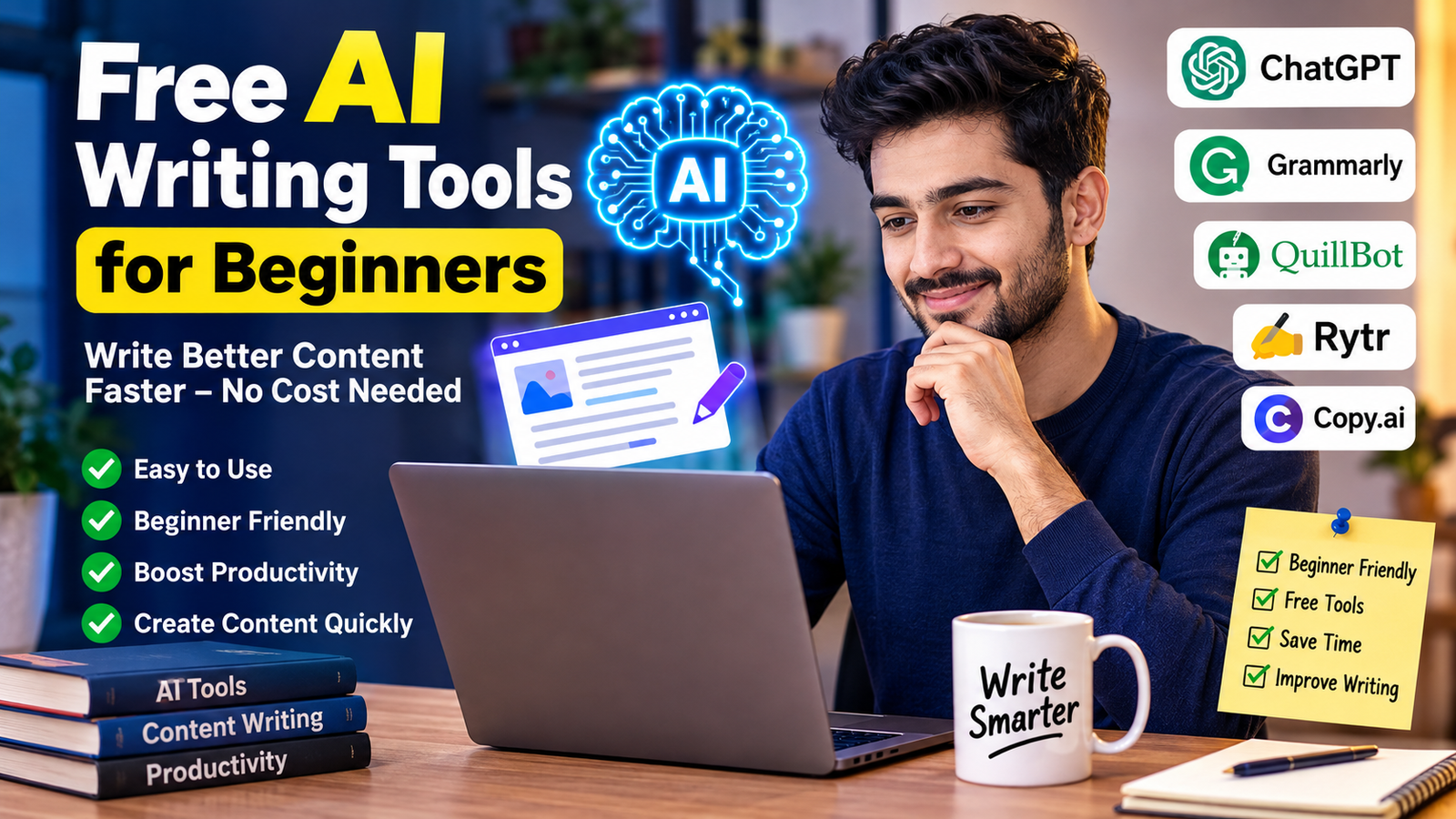
Free AI writing tools have made writing much easier for beginners. You do not need years of experience to start experimenting with AI. With a simple prompt and a little practice, you can generate ideas, improve your writing, create outlines, and work on different types of content.
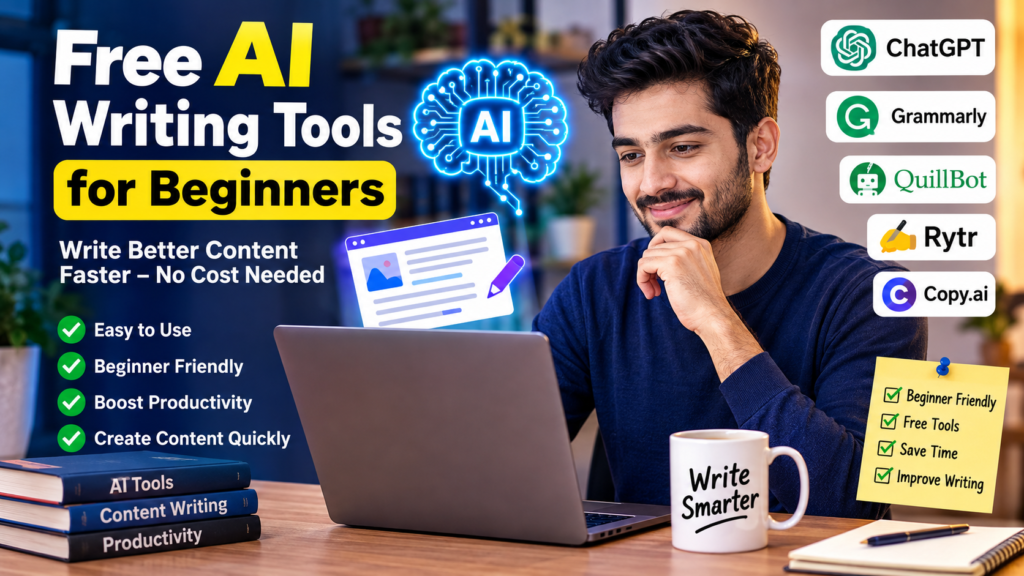
Tools such as ChatGPT, Grammarly, QuillBot, Rytr, and Copy.ai can each help with different writing tasks. The right choice depends on what you want to accomplish.
For me, the biggest advantage of AI writing tools is not that they can write something in seconds. It is that they can help me move forward when I am stuck.
I still believe the best content comes from a combination of technology and human thinking. AI can provide speed and ideas, while you provide experience, judgment, creativity, and personality.
If you are a beginner, my advice is simple. Start with free tools, experiment with different prompts, check everything before publishing, and always add your own perspective. Once you understand how to use AI properly, it can become a very useful part of your writing process.