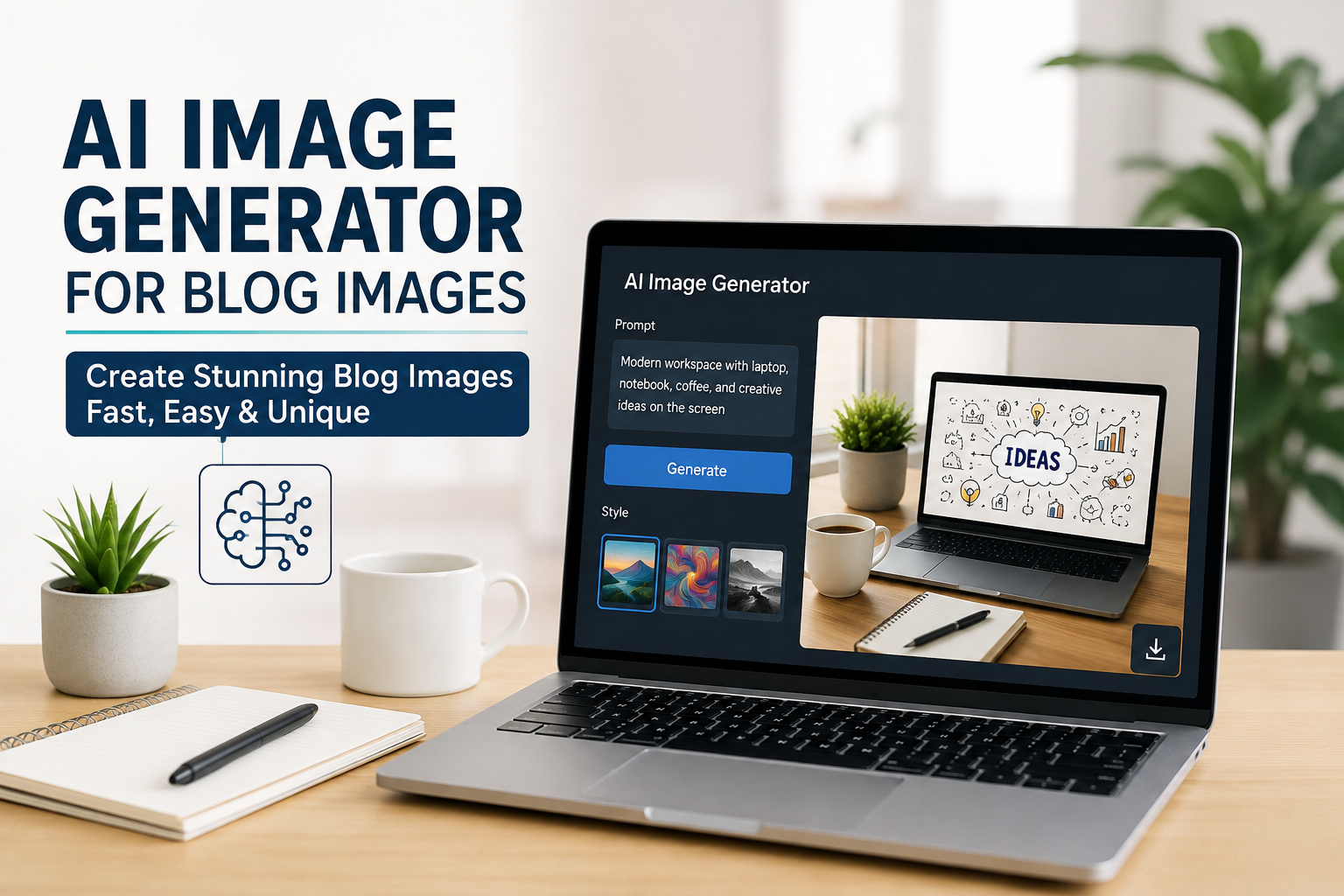
When I started working on blogs, I quickly realized that writing a good article was only one part of the job. The other important part was making the article visually interesting. A blog with only large blocks of text can feel boring, even when the information is useful. This is where I found AI image generators extremely helpful.
An AI image generator can create images from simple written instructions. Instead of spending hours searching for the right stock photo or learning complicated graphic design software, I can describe what I want and let the AI create an image based on my idea.
In my opinion, AI image generation has made creating blog images much easier, especially for bloggers who do not have professional design skills. It does not mean that every AI generated image is perfect, but with the right instructions and a little editing, I can create visuals that fit the topic of my article and make the overall blog look much better.
What Is an AI Image Generator?
An AI image generator is a software tool that uses artificial intelligence to create images based on text instructions. I can type something like “a modern home office with a laptop, notebook, calculator, and financial planning charts” and the tool can generate an image that matches the description.
The technology behind these tools is designed to understand words, concepts, styles, objects, environments, and visual relationships. The more clearly I explain what I want, the easier it becomes to get a useful result.
For bloggers, this can be particularly useful because almost every article can benefit from a relevant featured image or supporting visual.
For example, if I am writing about saving money, I can create an image showing a person planning a budget. If I am writing about technology, I can create a modern technology themed illustration. If the article is about productivity, I can create an image of an organized workspace.
Why Blog Images Are Important
I believe images play a much bigger role in blogging than many new writers realize. When someone visits a website, they usually notice the overall appearance before reading every paragraph.
A good featured image can immediately tell readers what an article is about. It can also make the page feel more professional.
Images can break up long sections of text and make an article easier to read. They can also help readers understand certain ideas that may be difficult to explain using words alone.
Another reason I like using images is that they can make content more memorable. A reader may forget a paragraph, but a strong visual connected to the topic can sometimes stay in their mind.
For me, the goal is not simply to add an image because I think every article needs one. I want the image to support the content and give the reader a better experience.
How I Use AI Image Generators for Blog Content
The first thing I do is think about the main idea of the article. I do not start by randomly generating images. I first ask myself what visual would make sense for the topic.
If I am writing an article about personal finance, I might want an image showing budgeting, savings, financial planning, or responsible spending.
After deciding on the concept, I write a detailed prompt. I usually mention the main subject, environment, mood, composition, and general visual style.
For example, instead of simply asking for “a finance image,” I might describe a clean modern desk with a laptop displaying a simple budget chart, a notebook containing financial planning notes, a calculator, and a cup of coffee. I might also request a professional and welcoming appearance.
This gives the AI more information to work with and usually produces a more relevant result.
Writing Better Prompts
In my experience, the quality of the prompt has a major effect on the final image. A short prompt can work, but detailed instructions usually give me more control.
I try to explain what should appear in the image and what type of feeling the image should create.
For a blog about saving money, I might describe a peaceful home office environment, financial planning materials, a laptop, savings notes, and a clean professional composition.
I also think about the audience. A business blog may need a professional appearance, while a lifestyle blog may benefit from something more colorful and friendly.
I avoid putting unnecessary details into the prompt because too many instructions can sometimes make the image confusing.
The best approach I have found is to start with the main idea and then add important visual details one by one.
Creating Featured Images
One of my favorite uses of AI image generators is creating featured images.
The featured image is usually one of the first things visitors see when they discover a blog post. Because of this, I want it to represent the subject clearly.
For example, an article titled “How to Create a Monthly Budget” could have an image showing a person sitting at a desk with a laptop, calculator, notebook, and simple financial charts.
I would rather use an image that visually communicates budgeting than a completely unrelated generic business photograph.
AI gives me the ability to create something specifically for the article instead of choosing the closest available stock image.
Creating Supporting Images
I do not think every article should contain dozens of images. Too many visuals can distract readers.
However, some articles can benefit from supporting images throughout the content.
For example, a long tutorial could have an image for each major concept. A technology article could include an illustration showing how a particular system works. A travel article could use location specific visuals. A cooking article could benefit from pictures showing ingredients or the finished meal.
The important thing is relevance.
I try to ask myself whether an image actually helps the reader. If it does not add anything useful, I would rather leave it out.
AI Images Can Save Time
Before using AI tools, finding a suitable image could take quite a lot of time. I would search different websites, compare images, check whether they matched my topic, and sometimes still end up with something that was not exactly what I wanted.
AI image generation can reduce this process considerably.
I can create an image specifically for my article instead of trying to find an existing picture that happens to be close to my idea.
This is especially useful when writing about unusual or specific subjects where suitable stock photography may be difficult to find.
For bloggers who publish regularly, saving even a small amount of time on every article can make a meaningful difference.
AI Images and Blog Branding
Another advantage I see is consistency.
A blog can have its own visual identity, and AI can help create images that follow a similar overall direction.
For example, I might prefer clean modern illustrations with simple compositions. I can use similar instructions for different articles so that the images feel connected.
This can make a website look more organized.
I think this is particularly valuable for websites that publish many articles across related topics. Consistent visuals can help readers recognize the style of the website.
Things I Check Before Publishing an AI Image
Even though AI image generators are powerful, I never assume that the first result is perfect.
I always inspect the image carefully.
Sometimes AI generated images can contain strange details, unrealistic objects, unusual hands, incorrect text, or other visual mistakes. These problems can be easy to miss if I do not look closely.
I also check whether the image actually matches the article.
An attractive image is not automatically a useful image. If the visual has nothing to do with the topic, it can confuse the reader.
I also consider image dimensions and file size. A very large image can slow down a website, which is something I want to avoid.
Before uploading an image to my blog, I prefer to optimize it so that it looks good without unnecessarily increasing the page loading time.
AI Image Generators and Original Content
One reason I like AI generated images is that they can help make my blog visually different from websites that use the same common stock photographs.
When hundreds of websites use identical stock images, it can become difficult for a blog to develop a unique visual identity.
Creating a custom image allows me to think about the article first and then create a visual around it.
However, I also believe bloggers should use AI responsibly. Before publishing an image, I would check the terms of the particular AI service I am using and understand how generated images can be used.
Rules and licensing conditions can differ between platforms, so it is important not to assume that every service has identical policies.
Making AI Images More Useful for Readers
For me, the biggest goal is usefulness.
I do not want to create images only because they look impressive. I want them to improve the article.
If I am explaining a financial concept, an image might help introduce the topic. If I am explaining a process, a simple visual can make the idea easier to understand.
I also try to keep the design clean. A blog image does not need to contain every possible object related to the topic.
Sometimes a simple composition works better than a complicated one.
The image should support the article rather than compete with it.
My View on the Future of AI Blog Images
I think AI image generation will become an increasingly common part of blogging.
The technology is improving quickly, and the tools are becoming easier for ordinary users to operate. A blogger does not necessarily need advanced graphic design skills to create attractive visuals anymore.
At the same time, I do not think AI will replace creativity.
The tool can generate an image, but the blogger still needs to decide what the image should communicate. A strong article still requires research, experience, clear writing, and a genuine understanding of the audience.
I see AI as a creative assistant rather than a complete replacement for human creativity.
Final Thoughts
AI image generators have changed the way I think about blog visuals. Instead of relying completely on stock photography, I can create images based on the exact idea behind my article.
For bloggers, this can save time, improve visual presentation, support branding, and make content more engaging.
The key is to use AI thoughtfully. I believe a good blog image should be relevant, clean, useful, and connected to the article. It should help the reader understand the subject or make the page easier to navigate.
I also think bloggers should review every AI generated image before publishing it. AI can produce impressive results, but it can also make mistakes. A few minutes of checking can make a big difference.
From my point of view, the best way to use AI image generators is to combine the speed of artificial intelligence with human creativity and judgment. When I know what I want to communicate and use AI as a tool to bring that idea to life, the result can be much more useful than simply downloading a random picture from the internet.
For anyone running a blog today, learning how to create and use AI generated images can be a valuable skill. It can make the content look more professional while giving the blogger much more freedom to create visuals that actually belong to the story.