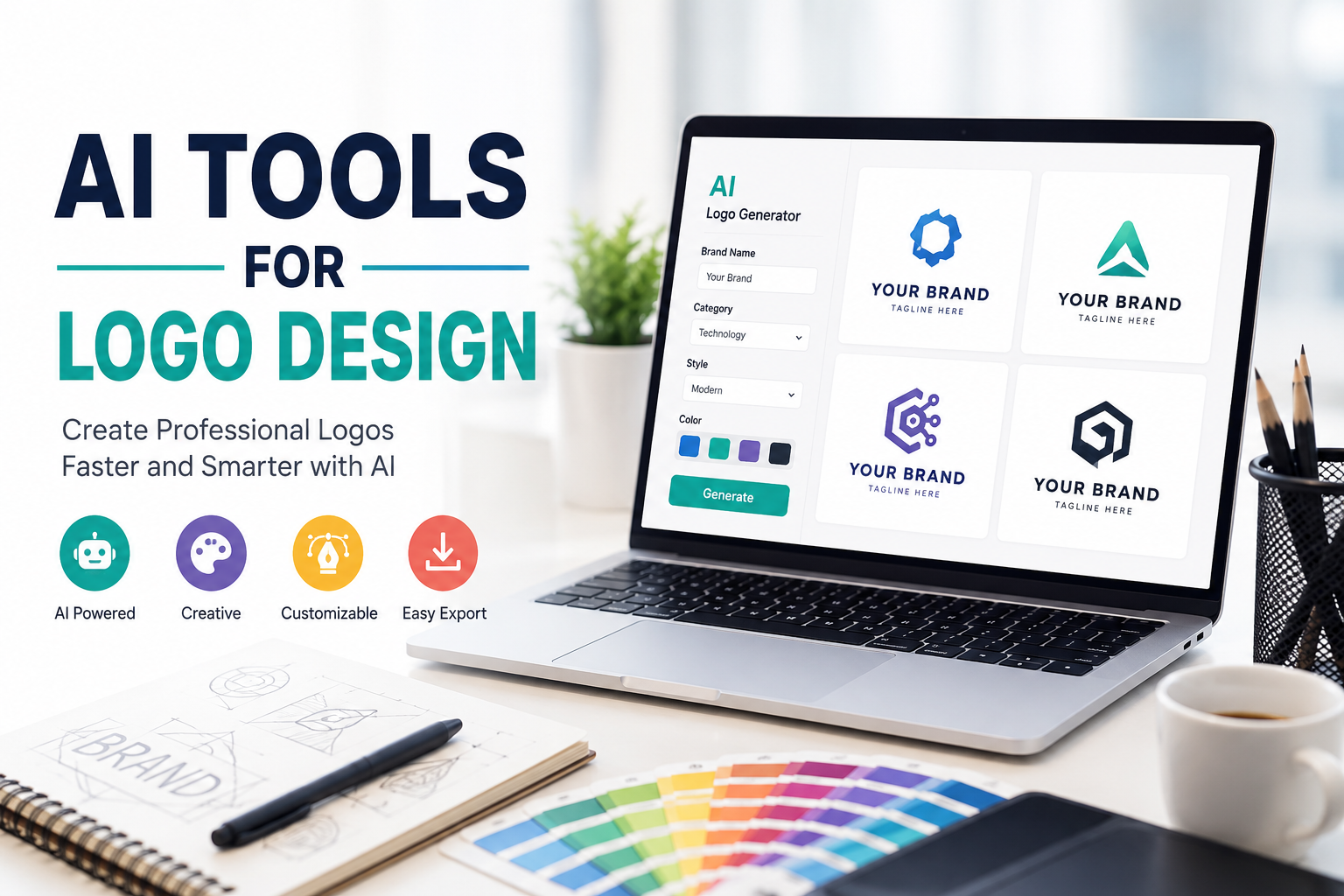
A logo is one of the first things people notice about a brand. When I visit a website, see a social media page, or discover a new business, the logo often gives me my first impression of that brand. A good logo can make a business look professional, memorable, and trustworthy. In the past, creating a good logo usually required graphic design skills and expensive software. Today, AI tools have made the process much easier.
I believe AI logo design tools are especially useful for beginners, small business owners, bloggers, content creators, and anyone who wants to create a professional looking logo without spending a lot of money. These tools can generate ideas, suggest colors, create layouts, and sometimes produce complete logo concepts within minutes.
In this article, I want to share my thoughts about AI tools for logo design, how they work, their advantages, their limitations, and how I think beginners can use them effectively.
What Are AI Logo Design Tools?
AI logo design tools are online applications that use artificial intelligence to help people create logos. Instead of starting with a completely blank canvas, I can provide some basic information about my brand and let the AI suggest different designs.
For example, I might enter a business name, select an industry, choose a preferred style, and mention a few colors. The tool can then generate several logo ideas based on that information.
Some tools focus mainly on automatic logo generation, while others provide AI powered design features inside a larger graphic design platform. This means I can use AI to generate an initial concept and then make my own changes.
What I like most about these tools is that I do not need to understand every technical part of graphic design before getting started.
Why I Think AI Is Useful for Logo Design
In my opinion, the biggest advantage of AI logo design is speed. A traditional logo design process can take a long time, especially when someone is creating multiple concepts and making revisions. With an AI tool, I can generate several ideas in a short period of time.
This does not mean that AI automatically creates the perfect logo. Instead, I see AI as a creative assistant. It gives me ideas that I can review, modify, and improve.
Another advantage is accessibility. Not everyone has the budget to hire a professional designer. A small business owner who is just starting out may want to save money while testing a new business idea. An AI logo tool can provide an affordable starting point.
I also think AI is helpful when I am not sure what style I want. Sometimes I know the name of my brand and the type of business I have, but I do not know how the logo should look. AI can give me different visual directions that help me understand what I like.
How AI Logo Generators Work
The process is usually simple. First, I enter the name of the business or project. Some platforms also ask for a slogan or short description.
Next, I usually select the business category. For example, the category might be technology, food, education, fashion, finance, travel, or photography.
The tool may then ask me about colors, fonts, symbols, or design styles. Based on this information, the AI creates logo concepts.
Some tools generate many variations, allowing me to compare different options. I can usually adjust the font, colors, icons, spacing, and layout before downloading the final design.
The quality of the result depends heavily on the information I provide. If my description is too general, the generated logos may also feel generic. That is why I believe giving clear instructions is important.
Popular AI Tools for Logo Design
There are many AI powered design platforms available today. Some are designed specifically for logos, while others offer logo creation as part of a larger design system.
Tools such as Canva can help beginners create logos using templates and AI powered design features. Adobe also provides AI based creative features that can support designers during the creative process.
There are also dedicated AI logo generators that create complete branding packages. These platforms may generate logos along with color palettes, fonts, social media assets, and other brand materials.
I would not recommend choosing a tool simply because it claims to use AI. I think it is better to look at the actual editing options, export formats, pricing, licensing terms, and quality of the generated designs.
Creating a Logo With AI
When I create a logo with an AI tool, I like to start with a clear idea of the brand.
For example, suppose I am creating a logo for a small technology website. I might describe the brand as modern, simple, trustworthy, and focused on technology. I might choose a clean color palette and a simple icon.
After generating several options, I would not immediately choose the first logo I see. Instead, I would compare the designs and look for something that is easy to recognize.
I also pay attention to how the logo looks at different sizes. A logo may look attractive when it is large on a computer screen but become difficult to understand when used as a small profile picture.
For me, simplicity is one of the most important parts of logo design.
Choosing the Right Colors
Colors can strongly influence how a logo feels. Different colors can create different impressions.
Blue often gives a feeling of trust and professionalism. Green can be associated with nature, growth, or health. Red can feel energetic and bold. Black can create a premium and modern appearance.
However, I do not think every business needs to follow these common associations. A brand should choose colors that match its personality.
AI tools can suggest color combinations, which I find useful when I am unsure where to start. Still, I prefer to review the colors myself rather than accepting every AI suggestion automatically.
I also try to avoid using too many colors. A simple color palette usually makes a logo easier to remember and easier to use across different platforms.
Choosing Fonts for a Logo
Typography is another important part of logo design. The font can completely change the personality of a brand.
A modern technology company might look better with a clean and simple font. A luxury brand may use elegant typography. A children’s brand might use something more playful.
AI tools can recommend fonts based on the style of the business. I find this useful because there are thousands of fonts available, and choosing one can sometimes become confusing.
The most important thing for me is readability. A beautiful font is not useful if people cannot easily understand the brand name.
AI Does Not Replace Human Creativity
Although AI can do many things, I do not believe it completely replaces human creativity.
AI can generate designs based on patterns and information, but a human still needs to decide whether the design actually represents the brand.
Sometimes AI generated logos can look impressive but feel too generic. I may see a symbol that could belong to hundreds of different businesses. That is one of the main reasons I think human judgment remains important.
I prefer to use AI as a starting point rather than allowing it to make every decision.
Benefits for Small Businesses
Small businesses can benefit significantly from AI logo design tools. When a business is new, there are many expenses to consider, including website hosting, marketing, advertising, products, and software.
A professional logo can also be expensive depending on the designer and the complexity of the project. AI can reduce the initial cost and allow a new business owner to create a basic brand identity.
This can be particularly useful for online stores, bloggers, YouTubers, freelancers, startups, and social media creators.
Once the business grows, the owner can always invest in a professional branding project later.
Things I Would Check Before Downloading a Logo
One mistake I think beginners should avoid is downloading a logo without checking the usage rights.
Different AI tools have different licensing policies. Some may allow commercial use under certain plans, while others may place restrictions on free designs.
Before using a logo for a business, I would always check the platform’s current terms and licensing information.
I would also check whether the logo can be downloaded in a useful format. For professional branding, having a high quality file is important. Transparent background files and scalable formats can be particularly useful.
Common Mistakes to Avoid
One common mistake is making a logo too complicated. Beginners sometimes think that adding more symbols, colors, and effects will make the design better. In my experience, the opposite is often true.
Another mistake is copying a logo too closely from another company. Even if AI generates something similar, I would avoid using a design that could confuse people or create branding problems.
I would also avoid changing the logo constantly. Once a business has established its visual identity, consistency becomes important.
My Approach to Using AI for Logo Design
If I were creating a logo today, I would use AI for brainstorming first. I would generate several different concepts and identify the ideas that fit my brand.
Then I would refine the best concept manually. I would adjust the colors, typography, spacing, and icon until the design felt more personal.
I would also test the logo in different situations. I might look at it on a website, social media profile, business card, mobile screen, and other common places where a logo might appear.
This process gives me more control than simply downloading the first AI generated logo.
Final Thoughts
AI tools have changed the way people approach logo design. They have made the creative process faster, more affordable, and easier for beginners.
Personally, I think the best way to use AI is as a creative assistant. It can help me generate ideas and explore styles that I may not have considered on my own. However, I still believe the final decisions should come from a human.
A successful logo is not simply a nice looking picture. It should represent the personality of a brand, remain easy to recognize, and work well across different platforms.
If you are starting a new website, business, blog, or online project, trying an AI logo design tool can be a practical first step. You do not need to be an expert designer to experiment with different concepts.
The most important thing is to take your time, compare different ideas, keep the design simple, and make sure the final logo genuinely represents your brand. AI can give you the tools and ideas, but your own vision is what can turn a basic design into a meaningful brand identity.