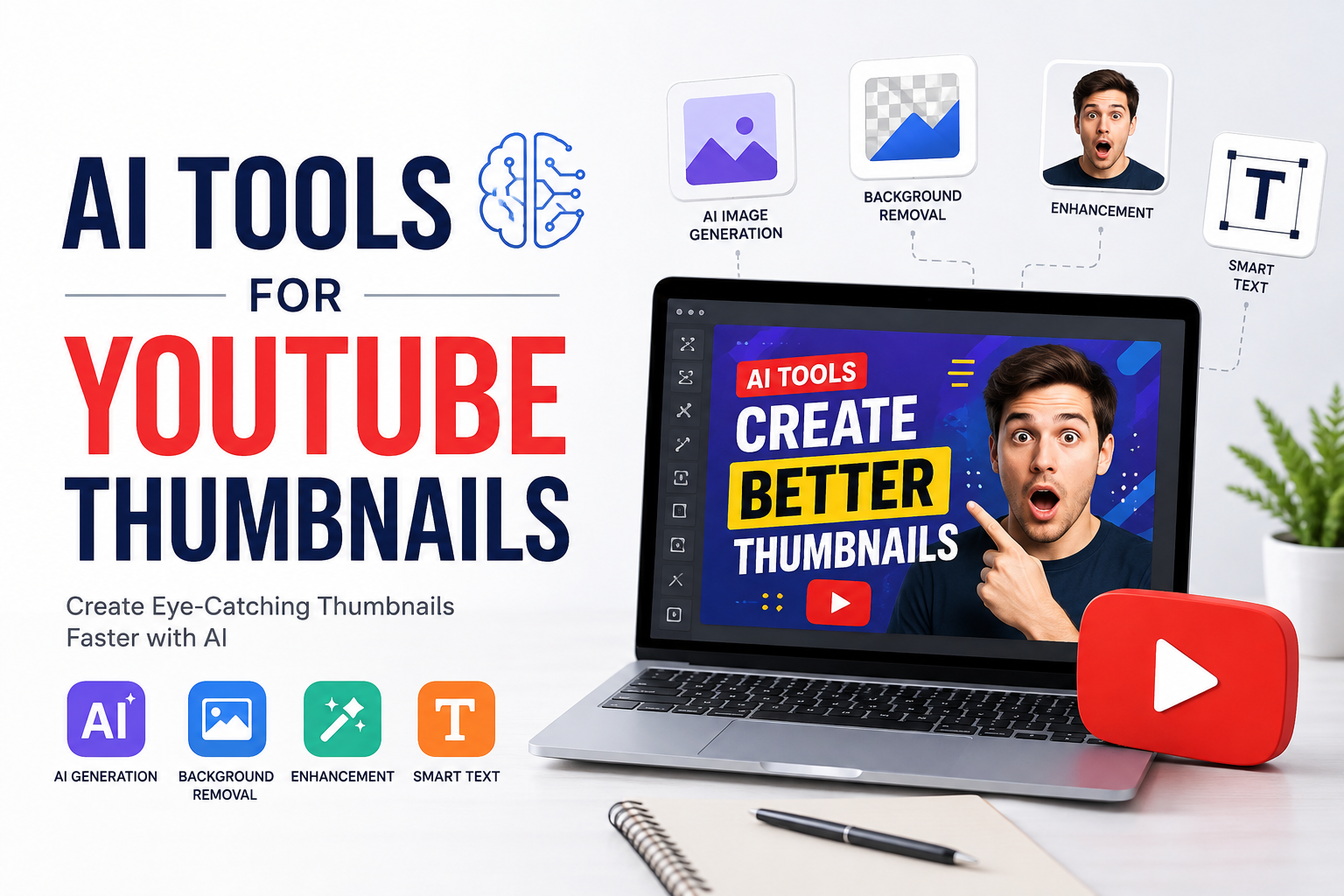
When I started paying attention to YouTube, I quickly realized that creating a good video is only part of the work. You can spend hours researching a topic, recording a video, editing it, and writing a useful description, but people may still ignore your video if the thumbnail does not catch their attention.
In my opinion, a YouTube thumbnail is one of the most important parts of a video. It is usually the first thing people notice before they decide whether they want to click. This is where AI tools have become very useful for creators like me.
Today, I can use AI tools to generate ideas, create backgrounds, improve images, remove unwanted objects, add text, and even design complete thumbnail concepts. I do not have to be a professional graphic designer to create something that looks clean and interesting.
In this article, I want to share my thoughts about AI tools for YouTube thumbnails, how they work, what features I find useful, and how beginners can use them.
Why YouTube Thumbnails Matter
Before talking about AI tools, I think it is important to understand why thumbnails matter so much.
When someone is scrolling through YouTube, they may see dozens of videos at the same time. The title gives them information about the topic, but the thumbnail gives them a visual reason to stop scrolling.
For me, a good thumbnail should communicate the main idea of the video quickly. It does not need to explain everything. Instead, it should create curiosity and make the viewer want to learn more.
For example, if I make a video about saving money, a thumbnail showing a simple image of money, a surprised facial expression, and a short phrase can be more effective than a thumbnail filled with too many details.
This is one reason I think AI thumbnail tools are useful. They help creators experiment with different ideas without spending hours creating every design manually.
What Are AI Tools for YouTube Thumbnails?
AI thumbnail tools are software applications that use artificial intelligence to help create or improve images for YouTube videos.
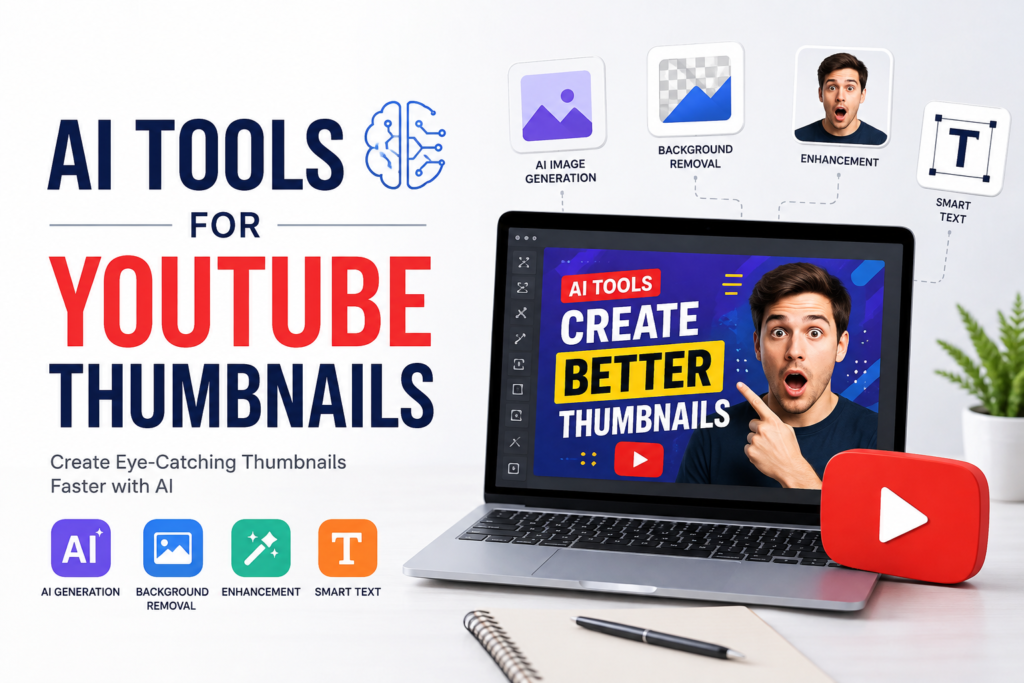
Some tools can generate images from text descriptions. Others can automatically remove backgrounds, enhance faces, create layouts, suggest designs, or generate text ideas.
I personally see these tools as assistants rather than replacements for creativity. AI can produce a design quickly, but the creator still needs to decide what looks good and what matches the video.
A thumbnail should represent the actual content of the video. If AI creates something attractive but misleading, I do not think it is a good choice.
AI Image Generators
One of the most useful categories of AI tools is AI image generation.
With an AI image generator, I can describe the type of image I want and receive a visual concept based on that description. This is helpful when I need a background, object, scene, or creative visual for a thumbnail.
For example, I might want a futuristic computer setup for a video about artificial intelligence. Instead of searching through hundreds of stock images, I can generate a custom concept.
The biggest advantage for me is flexibility. I can experiment with different styles, backgrounds, lighting, and compositions until I find something that fits the video.
However, I always recommend checking the generated image carefully. AI images can sometimes create strange details, unrealistic objects, or other visual problems.
AI Background Removal Tools
Another feature I find extremely helpful is automatic background removal.
If I want to use a person’s photo in a thumbnail, removing the original background manually can take time. AI tools can often detect the person and separate them from the background with very little effort.
After removing the background, I can place the person over a more interesting design.
This can make a thumbnail look much cleaner. For example, I can put a person in front of a bright studio background, a computer screen, a city scene, or another relevant visual.
This feature is especially useful for creators who regularly appear on camera.
AI Photo Enhancement
Sometimes I have a good photo but the quality is not perfect. It may look slightly blurry, dark, or low resolution.
AI enhancement tools can help improve the image by sharpening details, increasing resolution, and making the picture look cleaner.
I think this is particularly useful for thumbnails because small images need clear visual elements. If a face is blurry or the main object is difficult to recognize, the thumbnail may lose its impact.
Still, I would not overuse enhancement. A natural looking photo usually works better than an image that has been processed too heavily.
AI Design Tools
There are also AI powered design platforms that can help create complete thumbnail layouts.
These tools can combine images, text, shapes, colors, and backgrounds into a finished design. Some can even suggest layouts based on the type of content you are creating.
For someone who is not comfortable with graphic design, this can make the process much easier.
I like this approach because I can start with a basic idea and then adjust the design myself. I can change the text, move an image, resize an element, or replace the background.
The AI does some of the difficult work, but I still have control over the final result.
AI Tools for Thumbnail Text
Text is another important part of a YouTube thumbnail.
I usually try to keep thumbnail text short. People are not going to read a long paragraph while scrolling through YouTube. A few strong words are usually enough.
AI can help generate short phrases based on the topic of the video.
For example, instead of writing a long sentence such as “Here Are Some Simple Ways to Save More Money Every Month,” I might use something shorter like “SAVE MORE MONEY.”
The goal is not to put the entire video title on the thumbnail. I think the title and thumbnail should work together rather than repeat each other.
Creating Thumbnails With AI Step by Step
The process is actually quite simple.
First, I decide what the video is about. I think about the main message and what I want viewers to understand immediately.
Next, I choose the main visual. This could be a person, product, object, location, or AI generated scene.
After that, I create or find a suitable background. If I cannot find the right background, I can use an AI image generator to create one.
Then I remove the background from the main subject if necessary.
After placing the subject into the design, I add a short text phrase. I try to make sure that the text is large enough to read on a small screen.
Finally, I review the entire thumbnail and ask myself one simple question: would I click on this if I saw it while scrolling?
If the answer is no, I make changes.
Things I Avoid When Using AI
Although AI makes thumbnail creation easier, I think there are some common mistakes creators should avoid.
The first mistake is making the thumbnail too complicated. Adding too many objects, colors, faces, and words can make the design confusing.
The second mistake is using misleading images. A thumbnail may get clicks, but if the video does not deliver what the thumbnail promises, viewers can lose trust.
Another mistake is relying completely on AI. I think AI should help with creativity rather than replace it. If I simply generate a random image and upload it without making any changes, the result may look generic.
I also avoid using tiny text. A thumbnail might look fine on a large computer screen but become difficult to understand on a phone.
My Approach to Better AI Thumbnails
My personal approach is to keep things simple.
I usually focus on one main subject and one main message. I want the viewer to understand the general idea within a second or two.
I also try to create contrast between the subject and the background. If everything has similar colors and brightness, the main subject may disappear.
Another thing I consider is emotion. If the video includes a person, an expressive face can sometimes make the thumbnail more interesting. Surprise, excitement, curiosity, or confidence can communicate a feeling without using many words.
Most importantly, I try different versions. I do not expect the first thumbnail to always be the best one.
Are AI Thumbnail Tools Good for Beginners?
In my opinion, yes.
Beginners can benefit from AI because they do not need advanced graphic design skills to get started.
Someone who has never used professional design software can use AI based tools to create backgrounds, remove images, generate ideas, and build simple layouts.
However, I think beginners should also learn basic design principles. Understanding contrast, spacing, typography, image composition, and color combinations will help them get much better results from AI.
The tool can make the process faster, but knowing what looks good is still important.
Can AI Help Increase YouTube Clicks?
AI can help create better thumbnails, but I would not say that AI automatically increases clicks.
There are many factors involved in YouTube performance, including the topic, title, audience, video quality, competition, and timing.
A good thumbnail can improve the chance that someone notices your video, but it cannot guarantee views.
I think the best strategy is to use AI to create several thumbnail ideas and then choose the one that communicates the video most clearly.
If a creator has access to YouTube analytics, they can also learn from their previous videos. Over time, patterns may become visible. Certain designs, subjects, or styles may perform better with their audience.
Final Thoughts
AI tools have made YouTube thumbnail creation much easier than it used to be. I do not need to spend hours creating every visual element from scratch. I can generate ideas, create images, remove backgrounds, enhance photos, and experiment with different designs in a much shorter amount of time.
But in my opinion, the best thumbnails are not necessarily the ones that use the most AI. They are the ones that communicate a clear idea quickly.
I see AI as a creative assistant. It helps me save time and explore ideas, but I still make the final decisions.
If you are a beginner YouTuber, I would recommend experimenting with AI thumbnail tools and learning from every design you create. Try different layouts, keep your text short, use strong visuals, and always make sure the thumbnail honestly represents your video.
You do not need to become a professional designer overnight. Start with simple designs, improve them gradually, and pay attention to what your audience responds to.
For me, that is the biggest advantage of AI. It gives creators more freedom to experiment. Instead of worrying about whether I have advanced design skills, I can focus more on the idea I want to communicate and use AI to help turn that idea into a visual that people can understand quickly.