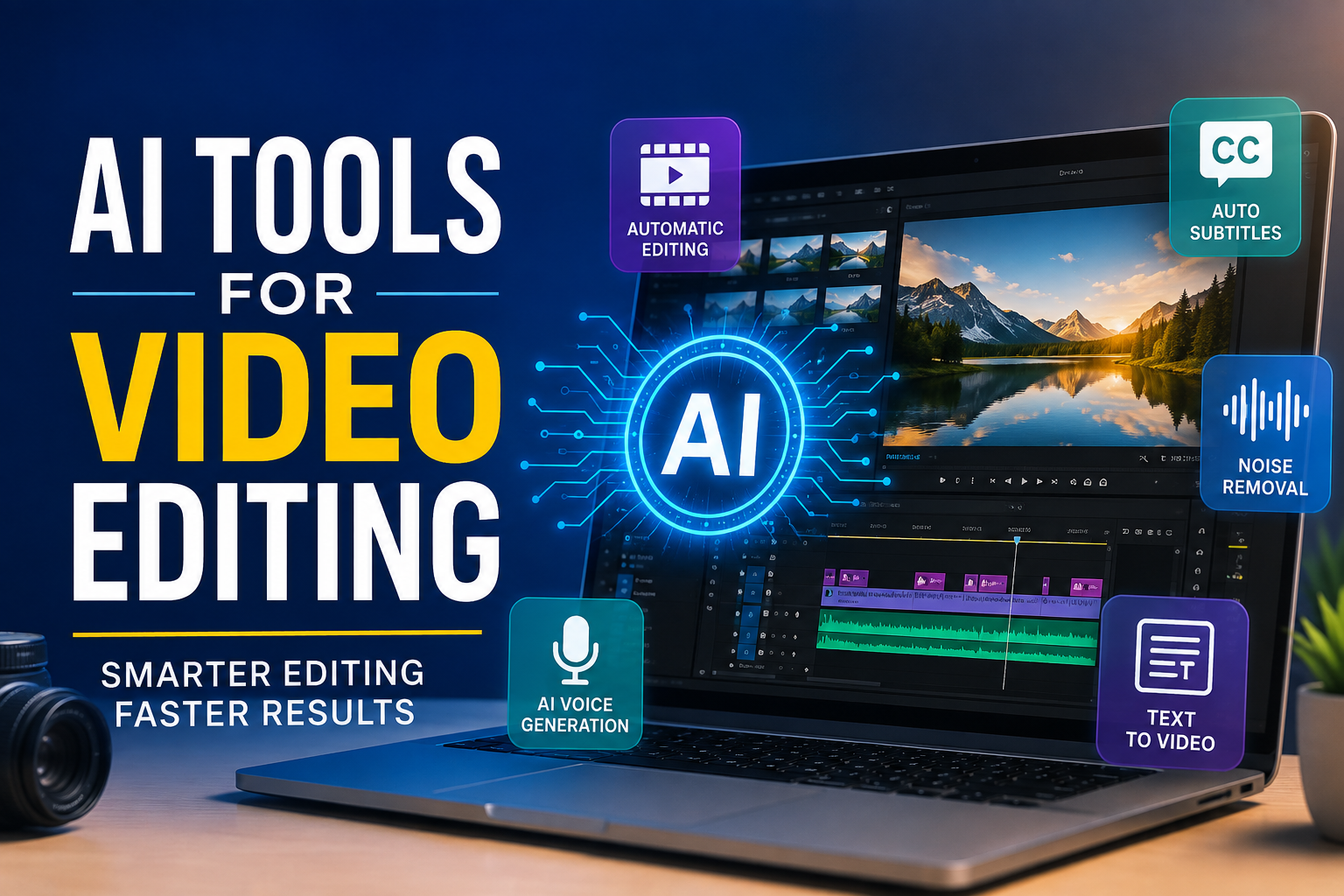
Video editing used to be something that required a powerful computer, expensive software, and a lot of patience. I remember how complicated video editing could feel when every small change had to be done manually. Cutting clips, adding subtitles, removing unwanted parts, adjusting audio, and creating effects could take hours.
Today, things are changing quickly because of artificial intelligence. AI video editing tools can automate many tasks that once required a lot of manual work. In my opinion, this is one of the most useful developments for content creators, YouTubers, marketers, students, and even beginners who have never edited a video before.
I have found that AI does not completely replace the editor. Instead, it works more like an assistant. It can handle repetitive tasks while the creator focuses on ideas, storytelling, and creativity. In this article, I want to share my thoughts about AI tools for video editing, how they work, and how beginners can use them effectively.
What Are AI Video Editing Tools?
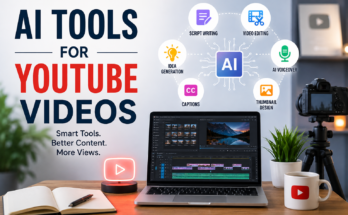
AI video editing tools are software applications that use artificial intelligence to help users edit videos faster and more easily. These tools can understand video content, recognize speech, detect scenes, improve audio, generate subtitles, and sometimes even create videos from written instructions.
Traditional editing requires you to manually search through your footage and decide what should stay or be removed. AI can analyze the footage and make suggestions automatically.
For example, if I record a ten minute video and make several mistakes while speaking, an AI editor may identify pauses, repeated words, or silent sections. Some tools can remove these parts automatically.
This can save a significant amount of time, especially when creating videos regularly.
Why I Think AI Is Useful for Video Editing
The biggest advantage of AI video editing is speed. When I edit a video manually, even a simple project can take much longer than expected. AI tools can automate many of the repetitive parts of the process.
Another benefit is accessibility. Beginners often feel confused when they first open professional editing software because there are so many buttons and settings. AI based tools usually make the process easier by providing automated features.
I also like the fact that AI can help with tasks that are boring rather than creative. For example, generating captions is important, but I would rather spend my time improving the actual story of my video.
AI can take care of those repetitive tasks while I concentrate on the content.
AI Tools for Automatic Video Editing
One of the most interesting uses of AI is automatic video editing. Some platforms can analyze uploaded footage and create a basic edit based on the content.
For example, an AI editor may identify important sections of a recording and remove unnecessary pauses. It can also arrange clips, add transitions, and create a more polished structure.
This feature can be particularly useful for people who create interviews, educational videos, podcasts, and social media content.
I would still review the final result manually because AI does not always understand exactly what I want. However, starting with an AI generated edit can save me a lot of time.
AI Tools for Generating Subtitles
Subtitles are extremely important for modern video content. Many people watch videos without sound, especially on social media.
Creating subtitles manually can be frustrating. Fortunately, AI speech recognition has made this process much easier.
AI tools can listen to the audio in a video and automatically convert speech into text. Some tools also recognize different languages and allow users to edit the generated captions.
In my experience, automatic subtitles are not always perfect. Names, technical words, accents, and background noise can sometimes cause mistakes. That is why I always recommend checking the captions before publishing a video.
Still, automatic subtitle generation is much faster than typing every sentence yourself.
AI Tools for Removing Background Noise
Audio quality can make a huge difference in a video. A video with average visuals can still be enjoyable if the sound is clear. On the other hand, beautiful footage can feel unprofessional when the audio contains too much background noise.
AI audio enhancement tools can help reduce unwanted sounds such as traffic, fans, wind, keyboard noise, and other distractions.
This is especially helpful for beginners who may not have access to professional microphones or recording studios.
I think this is one of the most practical AI features because improving audio can make a video feel much more professional without requiring advanced editing knowledge.
AI Tools for Creating Videos From Text
Another interesting development is text to video technology. Some AI platforms allow users to provide a written idea or script and generate video content based on it.
Depending on the platform, the tool may suggest visuals, create scenes, generate voiceovers, and add background music.
For example, if I want to create a short educational video about saving money, I can provide a script and ask an AI tool to help turn that script into a visual presentation.
The quality of these tools is improving, but I do not think creators should depend entirely on automatic generation. Human creativity is still important when it comes to storytelling and originality.
AI Voice Generation for Videos
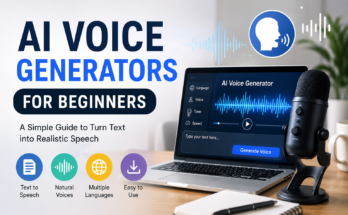
Voiceovers are another area where AI has become popular. AI voice tools can generate realistic speech from written text.
This can be useful when someone wants to create educational videos but does not feel comfortable recording their own voice.
It can also help creators produce videos in different languages.
However, I believe creators should use AI voices carefully. A voice that sounds too robotic or unnatural can make a video less engaging. When possible, I prefer a natural human voice because it adds personality and emotion.
AI voices are useful, but they should support the content rather than become the entire identity of a channel.
AI Tools for Creating Short Videos
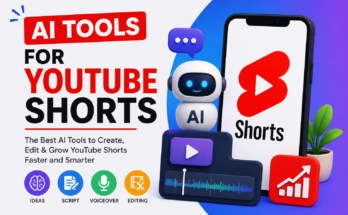
Short form videos have become extremely popular on platforms such as YouTube Shorts, Instagram Reels, and TikTok.
Creating short videos regularly can require a lot of editing. AI tools can make this easier by identifying interesting moments from longer videos and turning them into shorter clips.
For example, a creator could upload a long interview or podcast and use AI to find several potentially interesting sections.
The tool may then create short clips with captions and a vertical format.
I think this is particularly useful for podcasters and YouTubers because one long video can potentially become several pieces of content.
AI Thumbnail and Visual Tools
Video editing is not only about the video itself. Thumbnails, titles, and visual elements are also important.
Some AI tools can help creators generate thumbnail ideas, remove backgrounds, enhance images, or create visual assets.
A good thumbnail can make someone curious enough to click on a video. AI can provide ideas quickly, but I would still make the final decision myself.
The thumbnail should represent the actual content rather than simply trying to get clicks.
How Beginners Can Start Using AI Video Editors
If you are completely new to video editing, I recommend starting with one simple AI tool instead of trying many platforms at the same time.
First, decide what type of videos you want to create. You might want to make YouTube videos, educational content, social media clips, product videos, or personal projects.
Once you know your goal, choose a tool that focuses on the features you actually need.
For example, if subtitles are your main concern, choose a tool with strong speech recognition. If you create podcasts, look for features that can remove silence and create short clips. If you create promotional videos, look for tools that can help with templates, visuals, and text.
Learning one tool properly is better than using ten tools without understanding any of them.
Things I Would Not Completely Trust AI With
Although AI is extremely useful, I would not let it control every part of the editing process.
AI can make mistakes. It may remove a section that was actually important. It may misunderstand a sentence or choose a strange visual for a particular part of the script.
There is also the issue of originality. If every creator uses the same AI templates and automatic effects, videos can start looking very similar.
That is why I believe human judgment is still essential.
I use AI to speed up my workflow, but I would always watch the final video myself before publishing it.
Are AI Video Editing Tools Worth Using?
In my opinion, yes. AI video editing tools are worth trying, especially if you create content regularly or are just starting out.
They can reduce the amount of time spent on repetitive editing tasks and make professional looking features available to beginners.
However, I do not think AI should replace creativity. A tool can cut a video, generate captions, improve audio, and suggest visuals, but it cannot completely replace your personal experience, opinions, storytelling style, and understanding of your audience.
The best approach is to use AI as an assistant.
Final Thoughts
AI is changing video editing faster than many people expected. Tasks that once required hours of manual work can now be completed in much less time with the help of artificial intelligence.
From automatic subtitles and audio enhancement to short clip creation and text based video generation, AI tools offer many possibilities for modern creators.
Personally, I see AI video editing as an opportunity rather than something to fear. It allows beginners to experiment with video creation without spending months learning complicated editing techniques.
At the same time, I believe the most successful creators will be the ones who combine AI technology with their own creativity.
AI can help me edit faster, but the idea, message, personality, and story still come from me. That human element is what makes a video memorable.
If you are thinking about starting video editing, I would recommend giving AI tools a try. Start with simple projects, learn the features gradually, and always review your final video before publishing it. With practice, you can build a workflow where AI handles the repetitive work while you focus on creating videos that people actually want to watch.