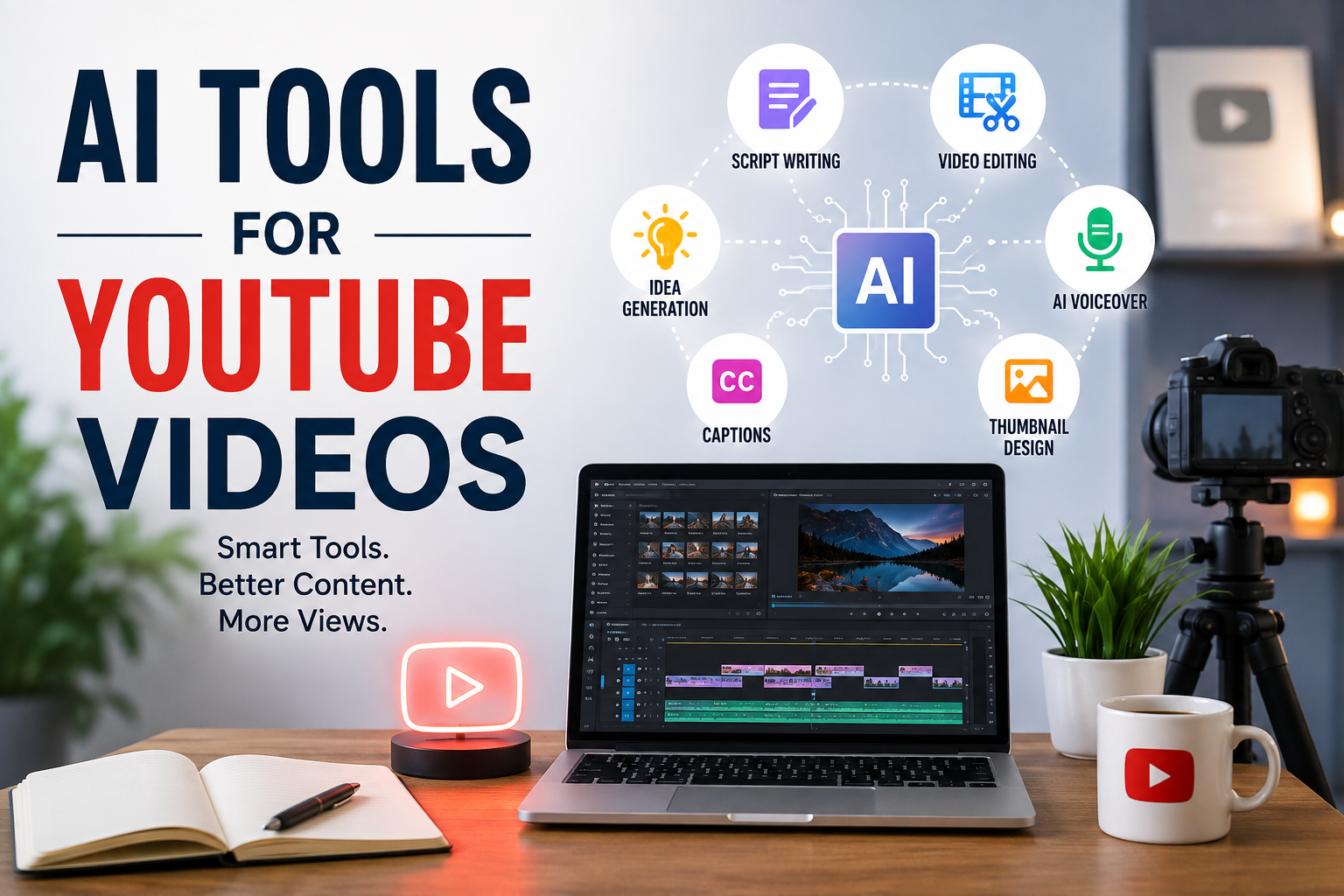
Creating YouTube videos sounds easy when we watch other creators doing it. We see the final video, the views, the comments, and the subscribers. But behind every good video there is usually a lot of work. You need an idea, a script, a good title, a thumbnail, editing, background music, and sometimes even a voiceover.
When I first started learning about YouTube content creation, I realized that making a good video can take a lot of time. This is one reason why I think AI tools have become so useful for YouTubers. They can help with many parts of the video creation process and can save hours of work.
AI does not mean that we can press one button and become a successful YouTuber. In my opinion, the creator still needs to bring the ideas, personality, experience, and creativity. AI simply makes many difficult tasks easier.
In this article, I will explain some of the most useful AI tools for YouTube videos and how I think beginners can use them.
Why AI Tools Are Useful for YouTube
The biggest advantage of AI tools is time. A YouTube creator has many different tasks to complete before publishing a single video. Writing can take hours. Editing can take even longer. Finding ideas and creating thumbnails can also become stressful.
AI can help speed up these processes.
For example, I can use an AI writing tool to create a basic video outline. I can then change the information and add my own opinions. Instead of staring at a blank page, I already have something to work with.
AI can also help creators who are not comfortable with video editing. Some modern tools can automatically remove unwanted parts, create captions, improve audio, and help organize clips.
For me, the biggest benefit is not replacing creativity. It is reducing repetitive work.
AI Tools for YouTube Script Writing
A good script is one of the most important parts of a YouTube video. Even if your video looks amazing, people may leave if the information is boring or confusing.
AI writing tools can help generate ideas, outlines, introductions, questions, and complete script drafts.
I personally think beginners should not simply copy an AI generated script and upload it. The better approach is to use AI as a starting point.
For example, if I want to make a video about personal finance, I can ask an AI tool for ten video ideas. After choosing one topic, I can ask for a simple outline. Then I can add my own examples and experiences.
This makes the final script sound more personal.
AI can also help improve the structure of a video. It can suggest a strong introduction, organize the main points, and create a conclusion.
AI Tools for Video Editing
Video editing is one of the areas where AI can save creators a lot of time.
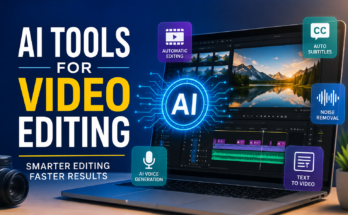
Modern video editors can automatically detect pauses, remove silence, create captions, improve audio, and sometimes suggest edits. Some tools can also help turn longer videos into shorter clips for platforms such as YouTube Shorts.
This is especially useful for beginners because professional editing software can feel complicated.
I believe AI assisted editing is a good option for creators who want to focus more on their content instead of spending hours learning every editing feature.
However, I still recommend watching the complete video after AI finishes editing it. Automatic editing is not always perfect. Sometimes it can remove a part that is actually important.
The creator should always have the final decision.
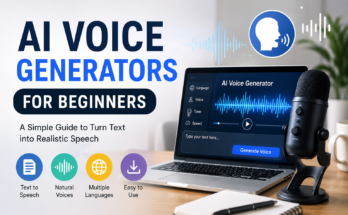
AI Voice Generators for YouTube
Not everyone wants to record their own voice. Some people do not have a good microphone, while others simply feel uncomfortable speaking on camera.
AI voice generators can provide another option.
These tools can convert written scripts into realistic sounding speech. Some services offer different voices, languages, accents, and speaking styles.
I think this can be useful for educational videos, tutorials, presentations, and channels where the creator does not want to appear on camera.
At the same time, I believe a real human voice can make a channel feel more personal. If you are comfortable recording your own voice, I would personally recommend trying that first.
AI voices are useful, but personality still matters on YouTube.
AI Tools for YouTube Thumbnails
The thumbnail is often the first thing people notice before clicking on a video. A great video can struggle if the thumbnail does not attract attention.
AI image tools can help creators generate visual ideas, backgrounds, illustrations, and other thumbnail elements.
For example, I can describe the idea of my video and use an AI image generator to create a background that matches the topic. I can then add my own text and design elements using a graphics editor.
AI can also help me experiment with different visual concepts quickly.
I would avoid making thumbnails too complicated. A simple design with a clear subject and easy to understand message can often work better than a thumbnail filled with too many elements.
AI Tools for YouTube Titles
Choosing a good title is another important part of publishing a video.
AI can generate multiple title ideas based on the topic of a video. This is helpful because sometimes I know exactly what I want to say, but I cannot find the right words for the title.
For example, instead of using a basic title such as “Ways to Save Money,” AI can help generate different approaches that create curiosity while still explaining what the video is about.
I would never depend completely on AI for titles, though. The title should accurately represent the video. A misleading title may get clicks, but it can damage viewer trust.
AI Tools for Captions and Subtitles
Captions are extremely useful for YouTube videos. Some people watch videos without sound, while others use captions because they understand the information better when they can read it.
AI transcription tools can automatically convert speech into text.
This can save a creator from manually typing every sentence.
Automatic captions are not always perfect, especially when there is background noise, an unusual accent, or technical vocabulary. I recommend checking the generated captions before publishing.
Even a few minutes of proofreading can make a big difference.
AI Tools for Finding YouTube Ideas
Coming up with new content ideas is something almost every creator struggles with at some point.
AI can help generate ideas based on a specific niche. You can ask it for beginner topics, advanced topics, questions people may ask, or video ideas based on a particular audience.
I think this is one of the best uses of AI because it can help overcome creative blocks.
However, I would not create videos about every idea AI suggests. I would look at my audience, personal knowledge, current interests, and existing content before deciding what to make.
The best video idea is usually one that combines audience interest with something the creator actually understands.
AI Tools for YouTube Shorts
YouTube Shorts have become an important way for creators to reach new viewers.
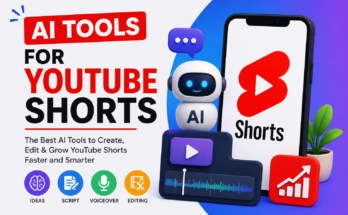
AI tools can help turn longer videos into shorter clips. They can identify interesting sections, add captions, resize videos, and sometimes suggest short clips that may work well.
This is useful if you already create long form content.
For example, if I publish a ten minute tutorial, I can use AI assisted editing to find several short sections that can become separate Shorts.
This allows one piece of content to provide several opportunities for reaching viewers.
AI Tools for Improving Audio
Good audio can make a bigger difference than many beginners expect.
Viewers may forgive average video quality, but poor audio can make them leave quickly.
AI audio tools can reduce background noise, improve voice clarity, balance sound levels, and remove unwanted sounds.
This can be particularly useful when recording at home.
I still believe a decent microphone and a quiet recording environment are important. AI can improve audio, but it cannot always completely fix a bad recording.
Should Beginners Use AI for YouTube?
In my opinion, yes, but they should use it carefully.
AI is best treated as an assistant rather than the actual creator.
I would use AI to brainstorm ideas, create outlines, improve scripts, generate captions, organize content, and speed up editing. But I would add my own knowledge, experiences, opinions, and personality.
This is important because YouTube is not only about producing content. It is also about building a relationship with viewers.
People often subscribe because they like the creator, not just because the information is correct.
Things to Remember When Using AI
There are a few things I think every YouTube creator should remember.
First, always check AI generated information. AI can sometimes provide incorrect or outdated details.
Second, do not make every video sound exactly the same. If every script follows the same pattern, viewers may notice that the content feels artificial.
Third, add your own perspective. This is probably the most important point.
Fourth, check images, voices, music, and other content for licensing requirements before using them commercially.
Finally, do not focus only on automation. The goal should be better content, not simply more content.
My Final Thoughts
AI tools have changed the way many people create YouTube videos. From writing scripts and generating ideas to editing videos, creating captions, improving audio, and designing thumbnails, AI can make the content creation process much easier.
For beginners, I think this is a great opportunity. You do not need to know everything about video production before starting a channel. You can learn while creating and use AI tools to handle some of the more technical tasks.
At the same time, I do not believe AI can replace a creator’s personality. The most successful channels usually have something unique about them. That could be personal experience, humor, storytelling, knowledge, or simply a different way of explaining things.
If I were starting a YouTube channel today, I would use AI as a helper. I would let it handle repetitive tasks while I focused on ideas, storytelling, quality, and connecting with viewers.
That is how I think AI should be used on YouTube. It should make the creative process easier without taking away the human part that makes a channel worth watching.