Creating videos used to feel like a difficult job to me. I remember thinking that I needed expensive software, a powerful computer, good editing skills, and plenty of free time just to make a decent video. Today, things are very different. Artificial intelligence has made video creation much easier, especially for beginners who are just starting their journey.
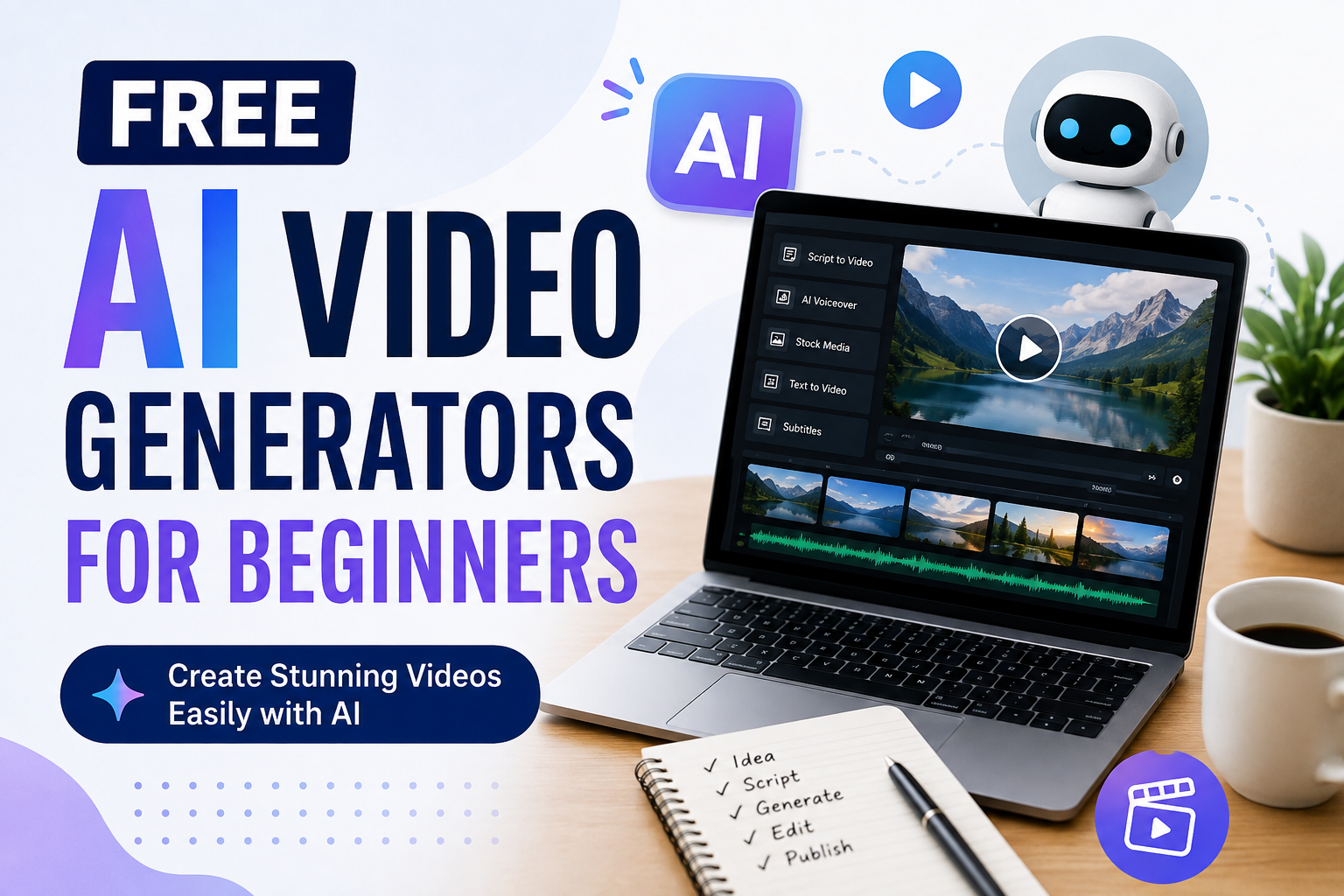
Free AI video generators can help turn simple ideas, written scripts, or images into videos. Some tools can create scenes automatically, add voiceovers, generate subtitles, and even suggest visual elements. The best part is that many platforms offer free plans, allowing beginners to experiment without spending money.
In this article, I will explain what free AI video generators are, how they work, what features beginners should look for, and how I would use them to create better videos without having advanced editing skills.
What Is an AI Video Generator?
An AI video generator is an online tool that uses artificial intelligence to help create videos. Instead of manually editing every scene, you can provide instructions, text, images, or a script, and the AI can generate different parts of the video for you.
For example, imagine that I want to create a short video about healthy morning habits. Instead of opening a traditional video editor and searching for every image and clip myself, I can enter my idea into an AI video tool. The platform may create a video structure, suggest scenes, add background music, and generate narration.
The results are not always perfect, but they can save a huge amount of time.
For beginners, this is one of the biggest advantages of AI video creation. I do not need to understand every technical part of video editing before getting started.
Why Beginners Should Try Free AI Video Generators
I think free AI video generators are especially useful for people who are learning video creation. Paying for professional software before knowing whether you actually enjoy creating videos does not always make sense.
A free tool gives beginners an opportunity to practice.
You can experiment with different scripts, video styles, voiceovers, and ideas without worrying too much about the cost. Even if your first few videos are not very good, you can learn from each attempt.
Another benefit is speed. Traditional editing can take hours for a short video. AI can sometimes create a basic video within minutes. Of course, I still recommend reviewing and editing the result because automatically generated content may contain mistakes.
How Free AI Video Generators Work
Most AI video generators follow a relatively simple process.
First, you provide an idea or script. Some platforms allow you to describe the video you want in ordinary language.
The AI then analyzes your instructions and creates a video structure. Depending on the platform, it may select stock footage, create AI generated visuals, add transitions, generate narration, or produce captions.
After the first version is created, you can usually make changes. You might replace a scene, edit the text, change the voice, adjust the timing, or add your own images.
This process makes video creation feel less complicated to me because I can focus more on the idea and message instead of doing every technical task manually.
Important Features to Look For
Not every free AI video generator is suitable for beginners. When choosing a tool, I would pay attention to several features.
Text to Video
Text to video is one of the most useful features for beginners. You simply describe what you want, and the AI creates visual content based on your instructions.
This can be useful for educational videos, social media content, short stories, and promotional videos.
AI Voiceovers
A good voiceover can make a video much more interesting. Many AI platforms offer automatically generated voices in different languages and styles.
For beginners, this means you may not need to record your own voice. However, I recommend listening carefully to the final narration because pronunciation can sometimes sound unnatural.
Automatic Subtitles
Subtitles are extremely useful, especially for social media videos. Many people watch videos without sound, so captions can help them understand the content.
Automatic subtitle generation can save a lot of time compared with manually typing every sentence.
Templates
Templates are another helpful feature. Instead of starting with a completely empty project, beginners can select a design and replace the existing text, images, and clips.
I personally think templates are a great way to learn because they show how professional videos are structured.
Image to Video
Some AI platforms allow users to upload an image and turn it into an animated video. This can be useful if you already have photographs, illustrations, product images, or other visual material.
Popular Free AI Video Generators
There are many AI video tools available today, and their free features can change over time. Some platforms are designed for social media creators, while others focus on professional presentations or cinematic AI generated videos.
Canva is a popular option for beginners because its interface is relatively simple and it combines design tools with AI features. It can be useful for creating social media videos, presentations, advertisements, and educational content.
CapCut is another popular choice for beginners. It offers a variety of editing and AI powered features that can help users create short form videos. I find this type of tool particularly useful for people who want to create content for platforms such as TikTok, Instagram, or YouTube Shorts.
InVideo is also worth exploring because it focuses heavily on creating videos from text and templates. It can be useful for people who want to turn written ideas into video content without learning complicated editing software.
Other AI video platforms focus more on generating original scenes from text prompts. These can be interesting for creators who want to experiment with storytelling and creative visuals.
Before choosing any platform, I would always check its current free plan. Some free services place limits on video length, exports, resolution, available credits, or watermarks.
How I Would Create My First AI Video
If I were completely new to AI video creation, I would start with a very simple project.
For example, I might create a one minute educational video about five useful study habits.
First, I would write a short script. I would avoid making the script too complicated because a clear message is easier for AI tools to turn into a video.
Next, I would divide the script into several small sections. Each section could represent one scene.
Then I would upload the script or enter the information into an AI video generator. I would select a simple visual style and generate the first version.
After that, I would watch the complete video from beginning to end.
This step is important. I would check the pronunciation, spelling, timing, images, transitions, and overall message. If something looks strange, I would change it rather than publishing the first version immediately.
Finally, I would add subtitles and make sure the video starts with an interesting introduction.
Tips for Getting Better Results
One mistake I see beginners making is giving AI extremely short instructions. If I simply write, “Make a travel video,” the result may be too general.
Instead, I would provide useful information about the subject, audience, style, length, and purpose.
For example, I might say that I want a one minute beginner friendly travel video with an informative tone, simple language, scenic visuals, and clear subtitles.
The more useful information I provide, the easier it becomes for the AI to understand my goal.
I also recommend keeping your first videos short. A thirty second or one minute video is easier to review and improve than a ten minute project.
Another important tip is to edit the AI generated result. AI is a helpful assistant, but I would not depend on it for everything. Adding your own ideas, images, examples, and personality can make the final video feel more authentic.
Are Free AI Video Generators Really Free?
This is something beginners should understand before choosing a platform.
A service may advertise itself as free while offering only limited features without payment. For example, the free plan may allow a certain number of video generations each month or may place a watermark on exported videos.
Some tools provide free credits that are used whenever you generate a video. Once those credits are finished, you may need to wait for them to refresh or upgrade to a paid plan.
That does not mean free tools are useless. They can still be excellent for learning and testing different ideas.
I would simply read the current pricing and free plan information before spending time creating a large project.
Can You Make YouTube Videos With AI?
Yes, AI video generators can be useful for YouTube content. They can help with scripts, visuals, narration, subtitles, and editing.
However, I would not recommend publishing large amounts of completely automated content without checking it carefully.
A good YouTube video still needs an interesting idea and useful information. AI can help with production, but the creator should provide direction and quality control.
If I were building a YouTube channel, I would use AI as an assistant rather than allowing it to completely control the creative process.
Advantages and Disadvantages
The biggest advantage of free AI video generators is convenience. Beginners can create videos without spending a lot of money or learning advanced editing software.
They can also save time and make experimentation easier.
However, there are limitations. Free plans may include watermarks, limited credits, fewer templates, lower export quality, or restricted AI features.
AI generated videos can also contain visual mistakes, incorrect information, awkward voiceovers, or scenes that do not perfectly match the script.
This is why human review remains important.
Final Thoughts
I believe free AI video generators have made video creation much more accessible. Someone who has never used professional editing software can now create a basic video with the help of artificial intelligence.
For beginners, the most important thing is not finding a perfect tool. It is learning how to turn an idea into useful content.
I would start with a free platform, create short videos, test different prompts, and learn from every result. Over time, you will understand which styles work best for you.
AI can handle many technical tasks, but your ideas, creativity, and personal perspective are still important. In my opinion, the best approach is to combine AI assistance with human creativity.
If you are thinking about creating videos but feel that video editing is too complicated, I would definitely recommend trying a free AI video generator. You may be surprised by how quickly you can go from a simple idea to a finished video.